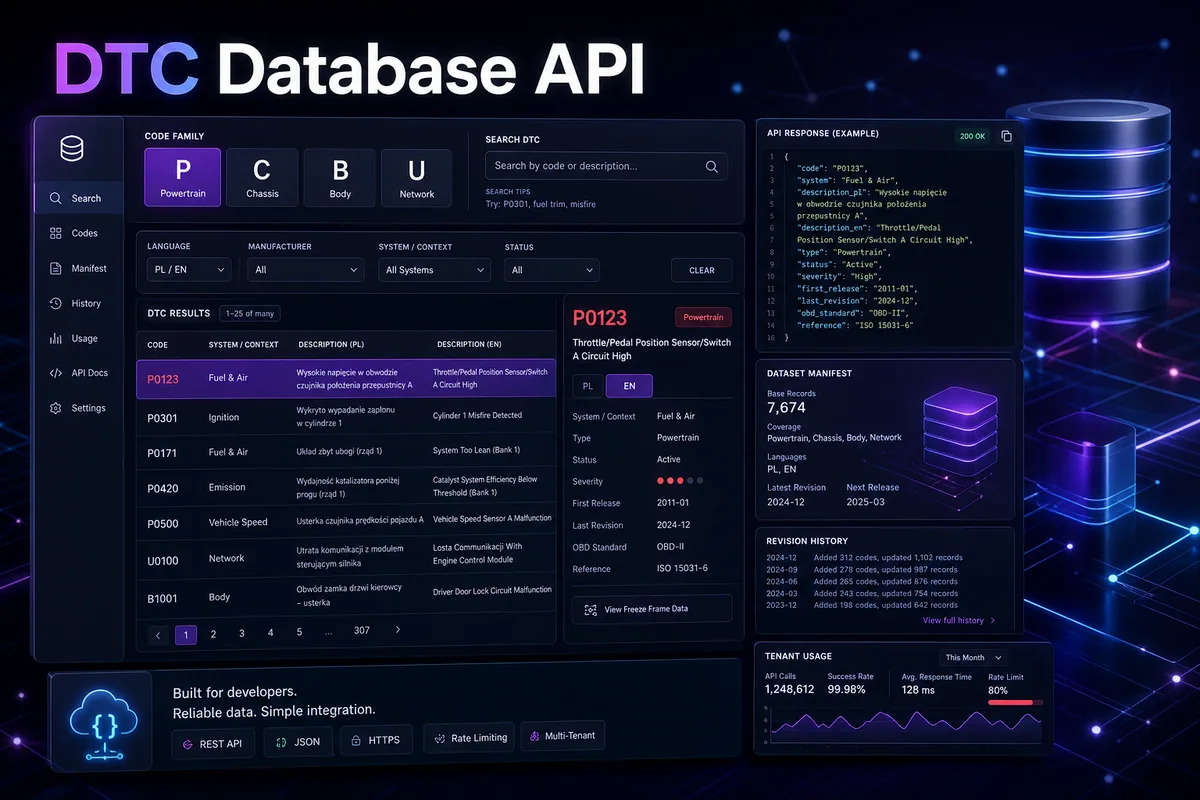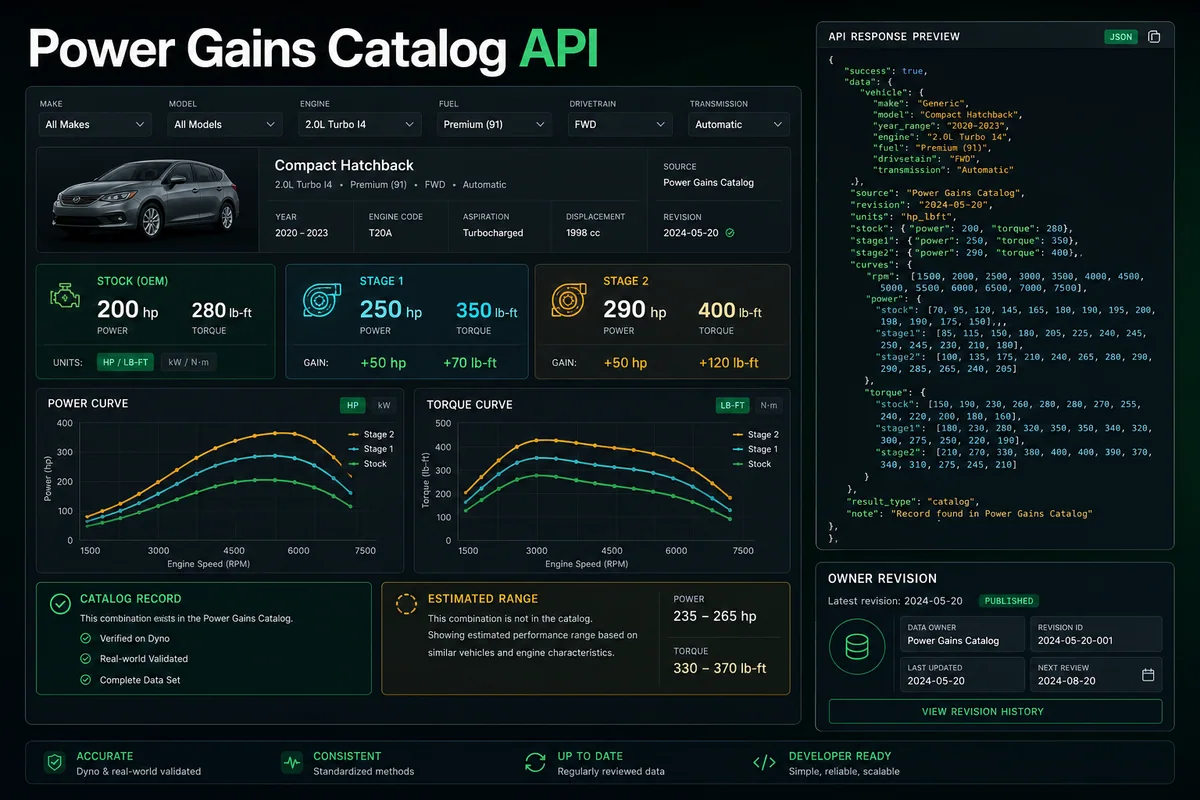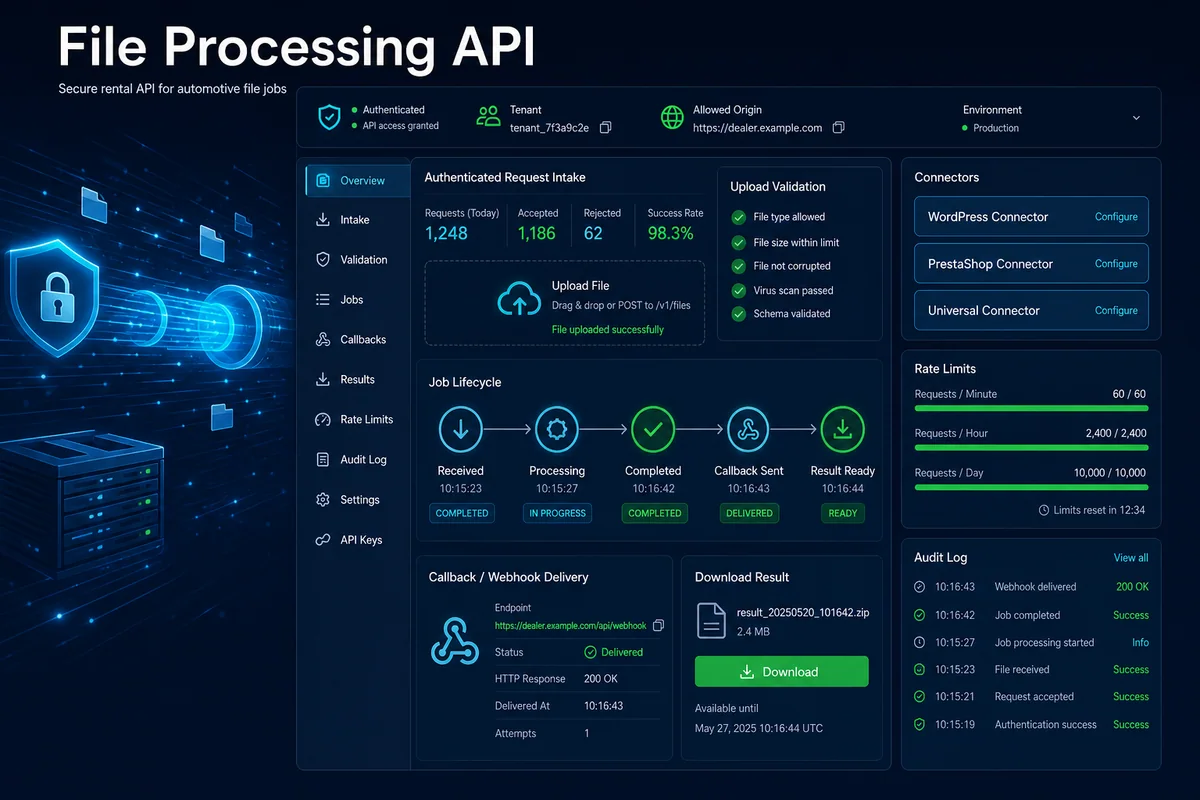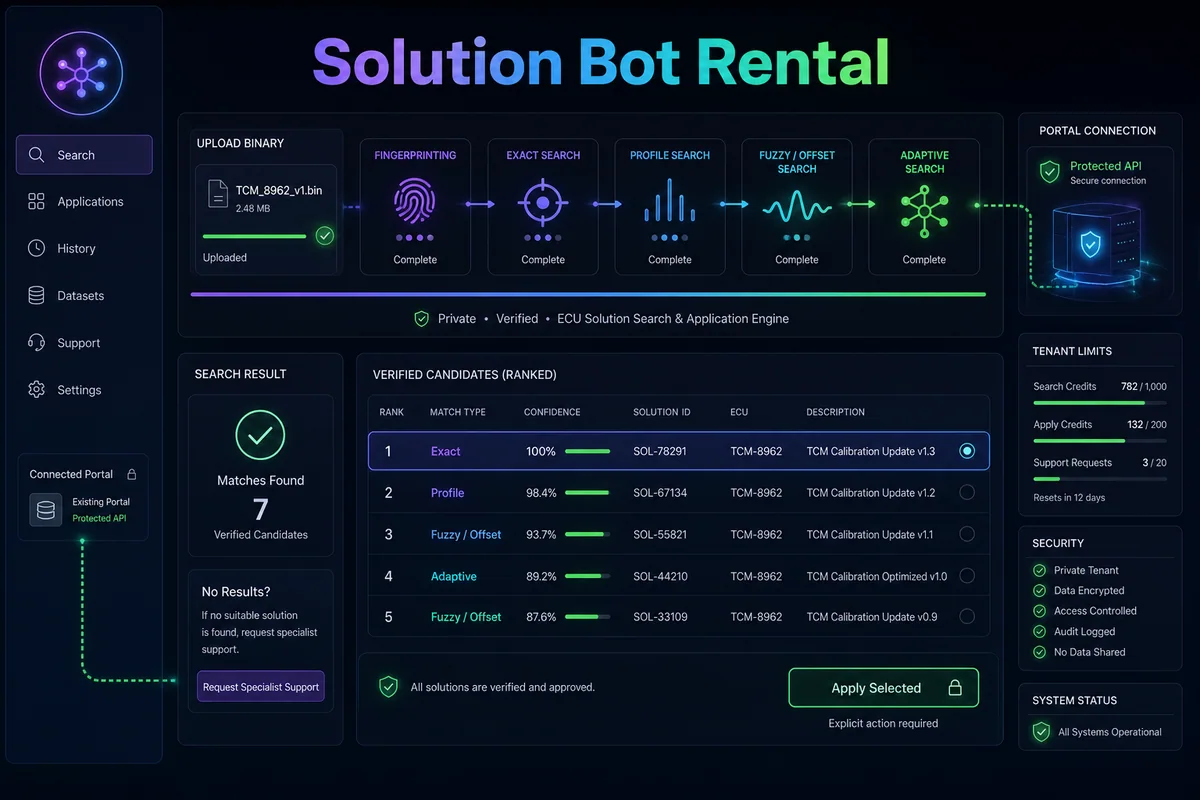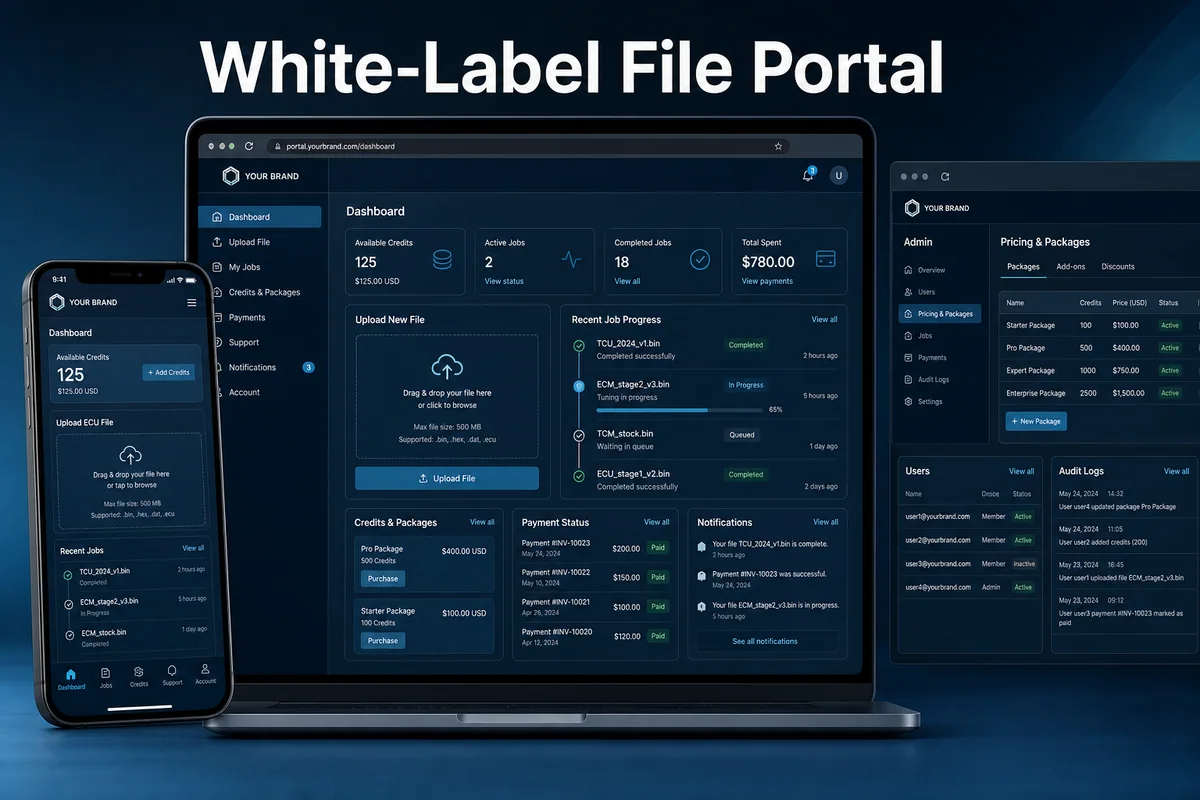
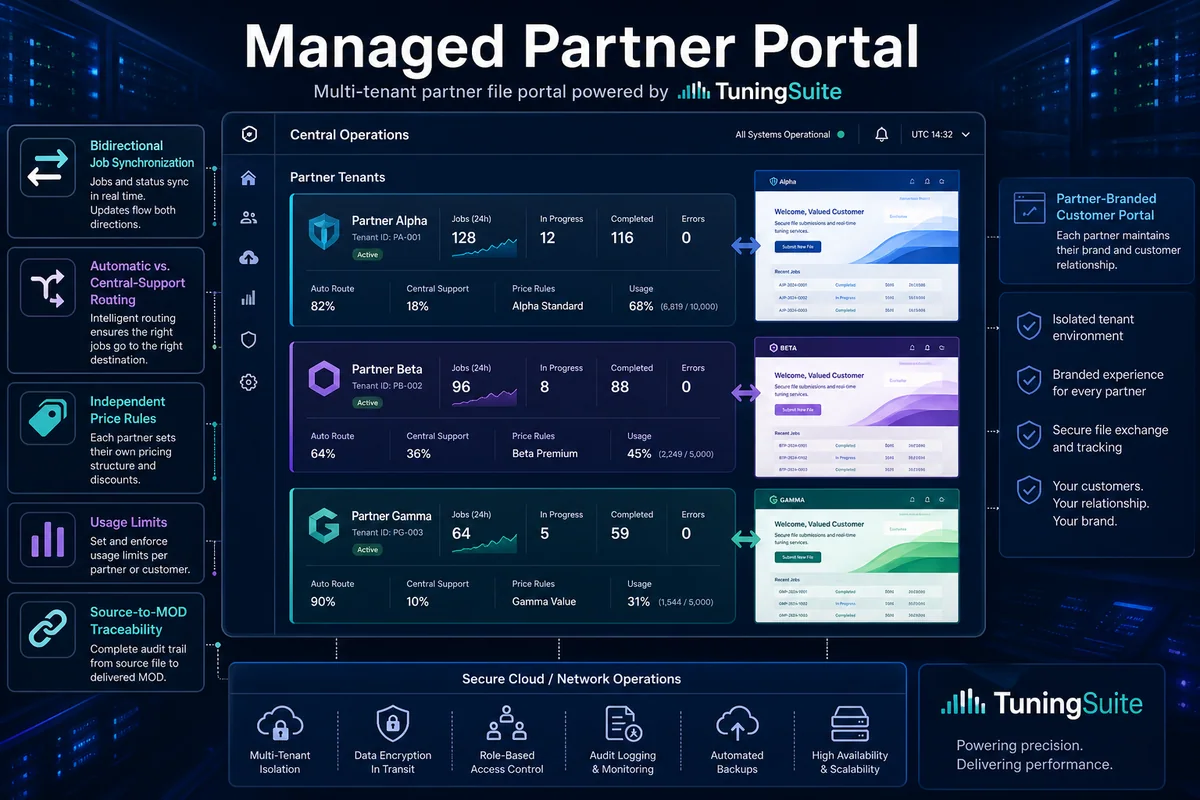
Portal preserving the partner brand and customer relationship, with TuningSuite automation and optional escalation of selected jobs to central support.
How it works — step by step
- 1
Define partner brand, customers, services, packages, limits and escalation rules.
- 2
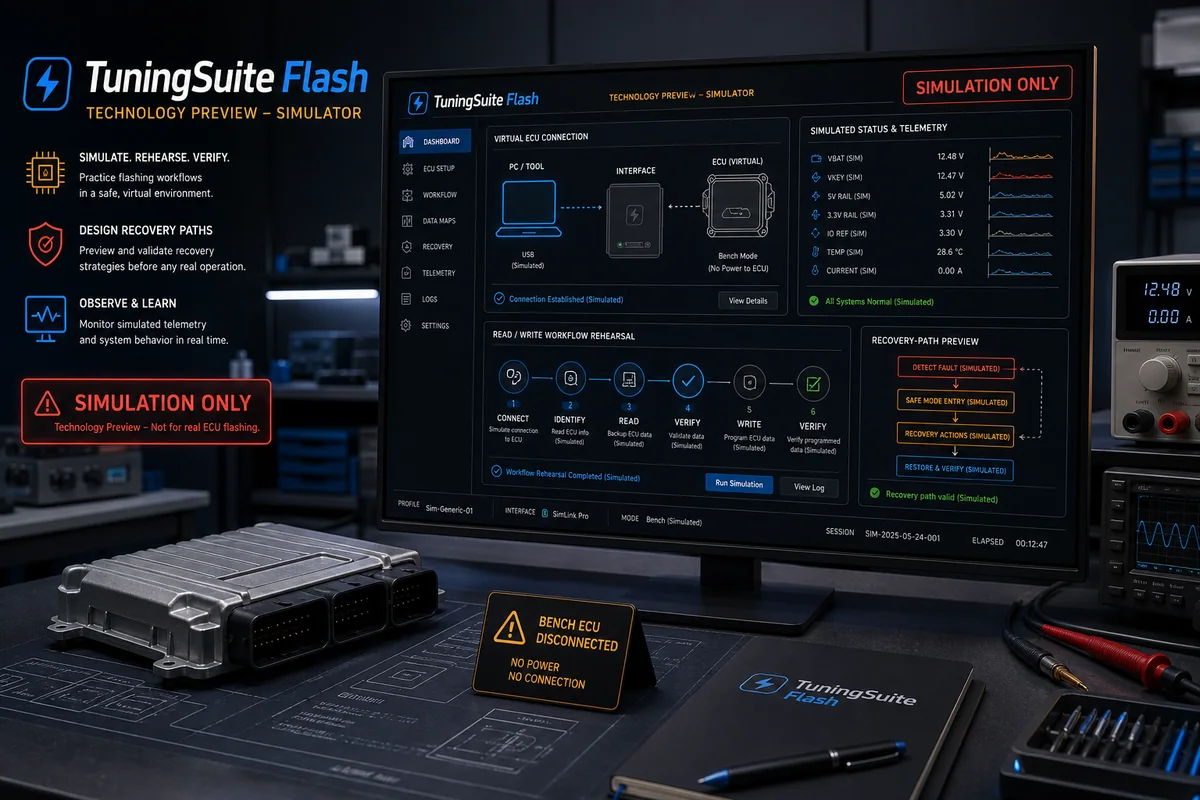
Connect the isolated tenant to TuningSuite automation and optional central support.
- 3
Preserve source portal, customer, file, services, messages and status history.
- 4
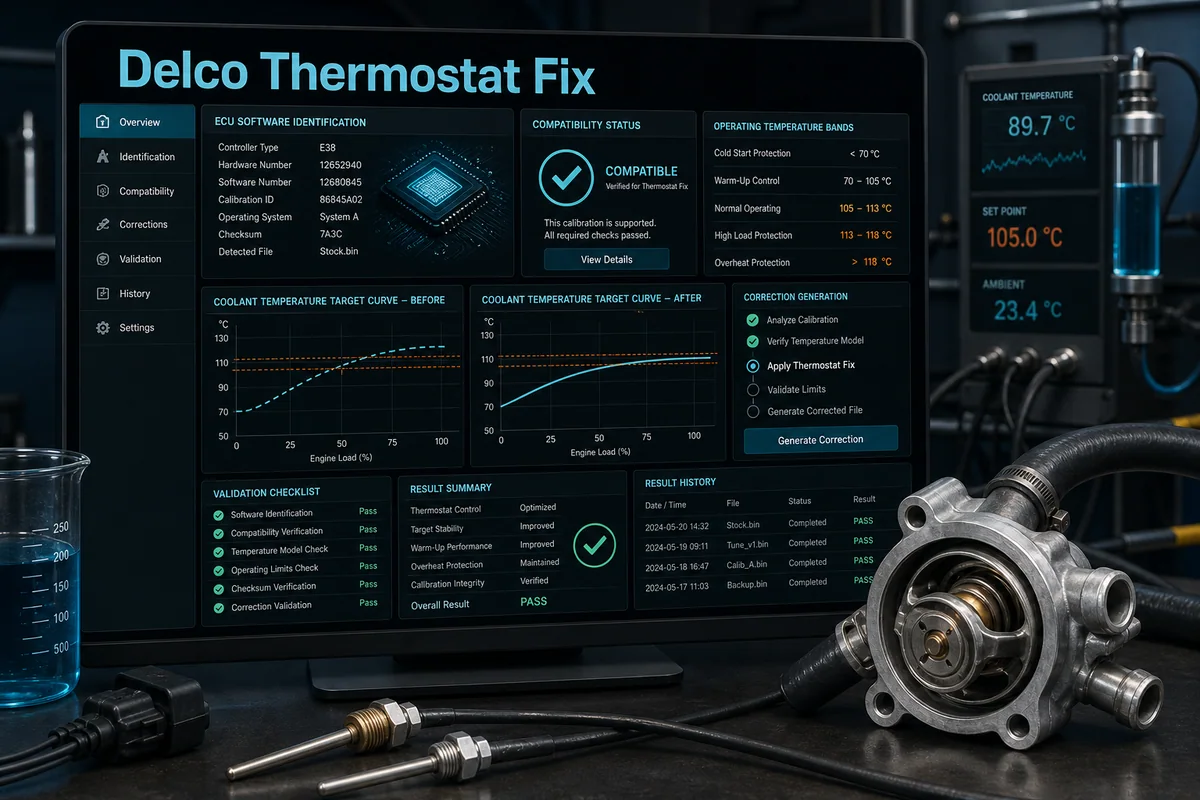
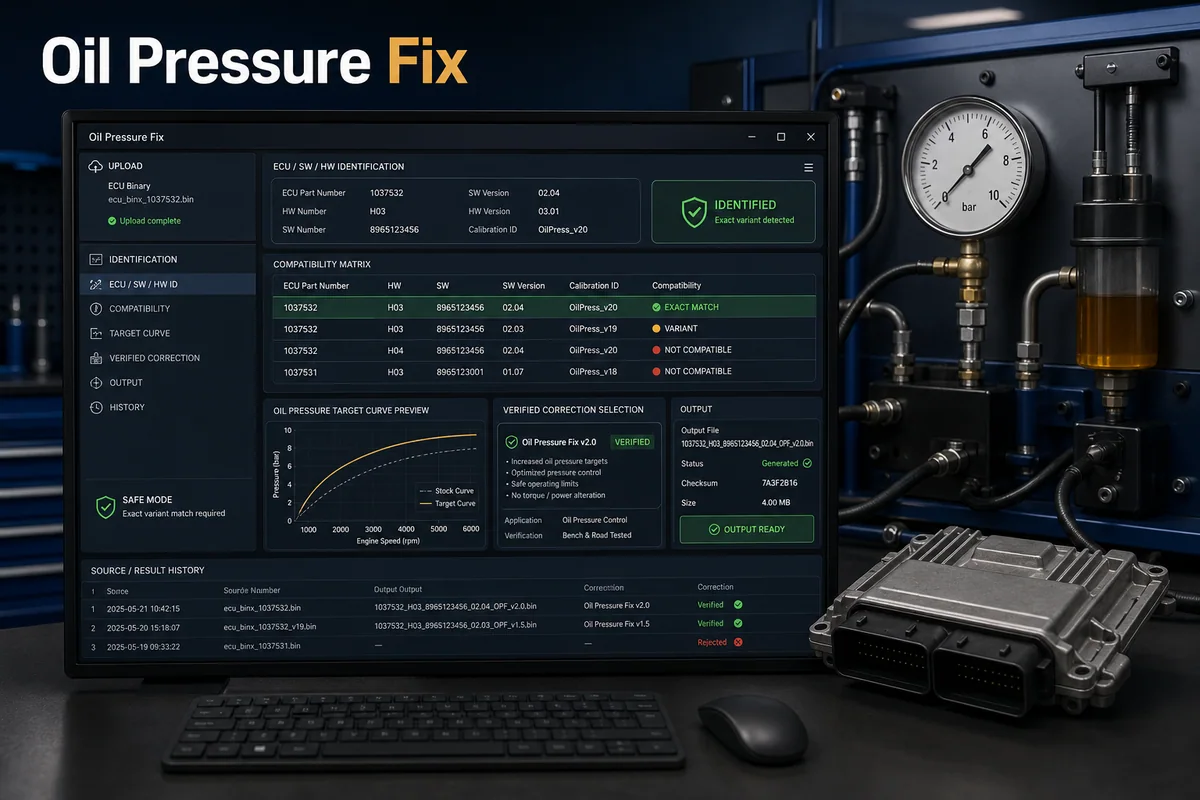
Route verified work to the bot and selected or unmatched work to the correct support path.
- 5
Return the completed MOD automatically to the partner portal and customer.
Key capabilities
- Isolated tenant
- Bidirectional synchronization
- Independent commercial rules
- Source and MOD-return tracking
Result, scope and responsible validation
Every stage remains tied to the relevant account, licence, file or tenant. Source material and history are retained, uncertain cases never receive an invented result, and the output must pass the validation required for the specific program, integration or workshop process.