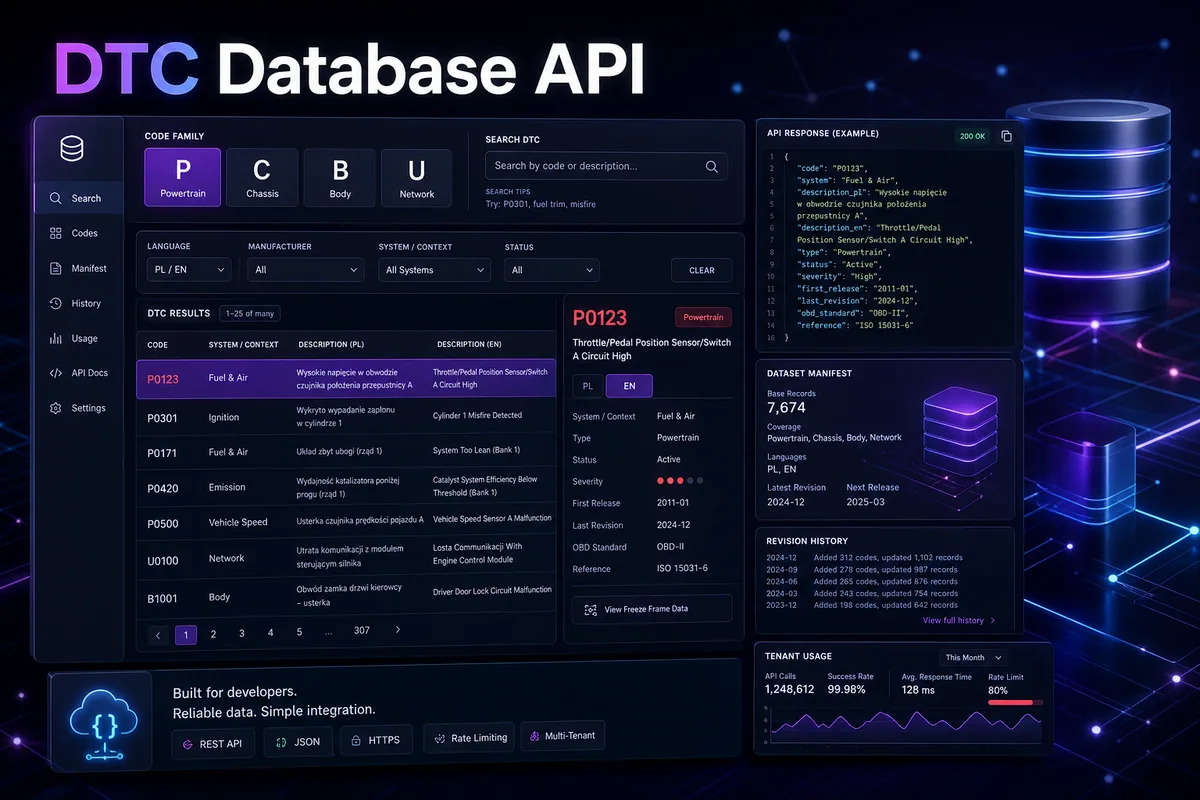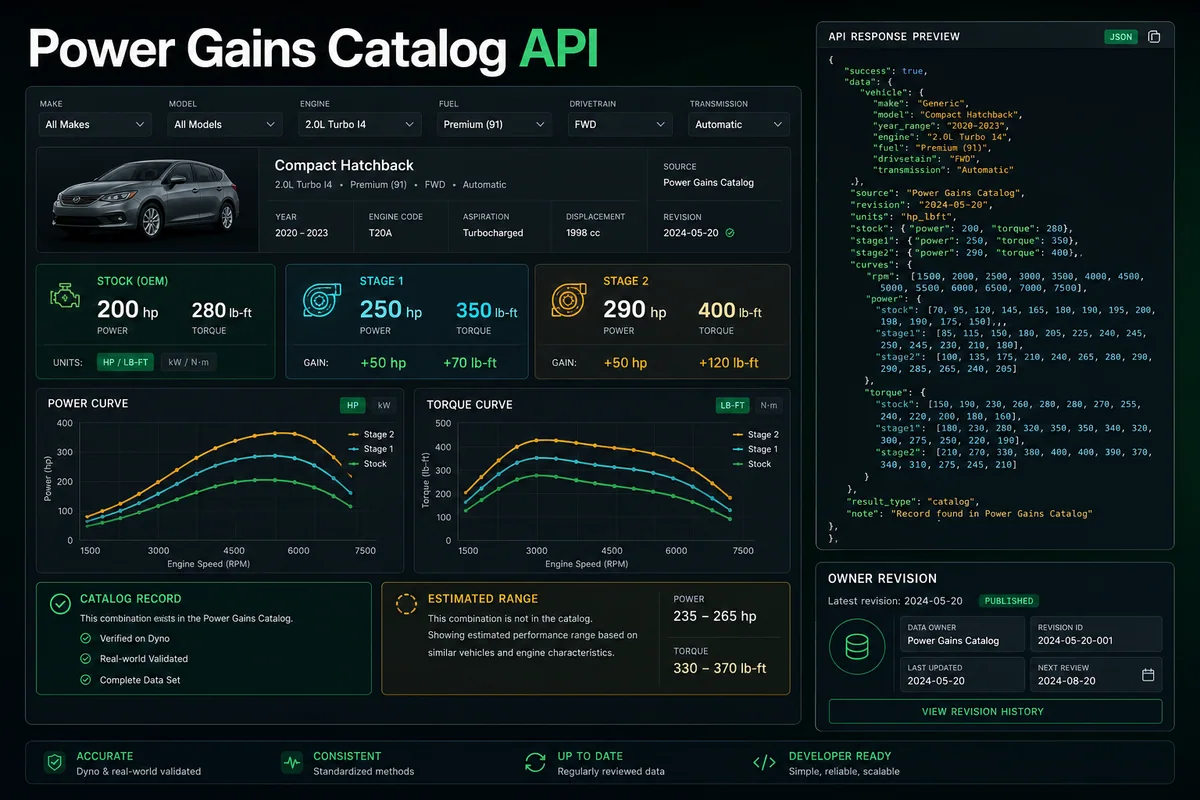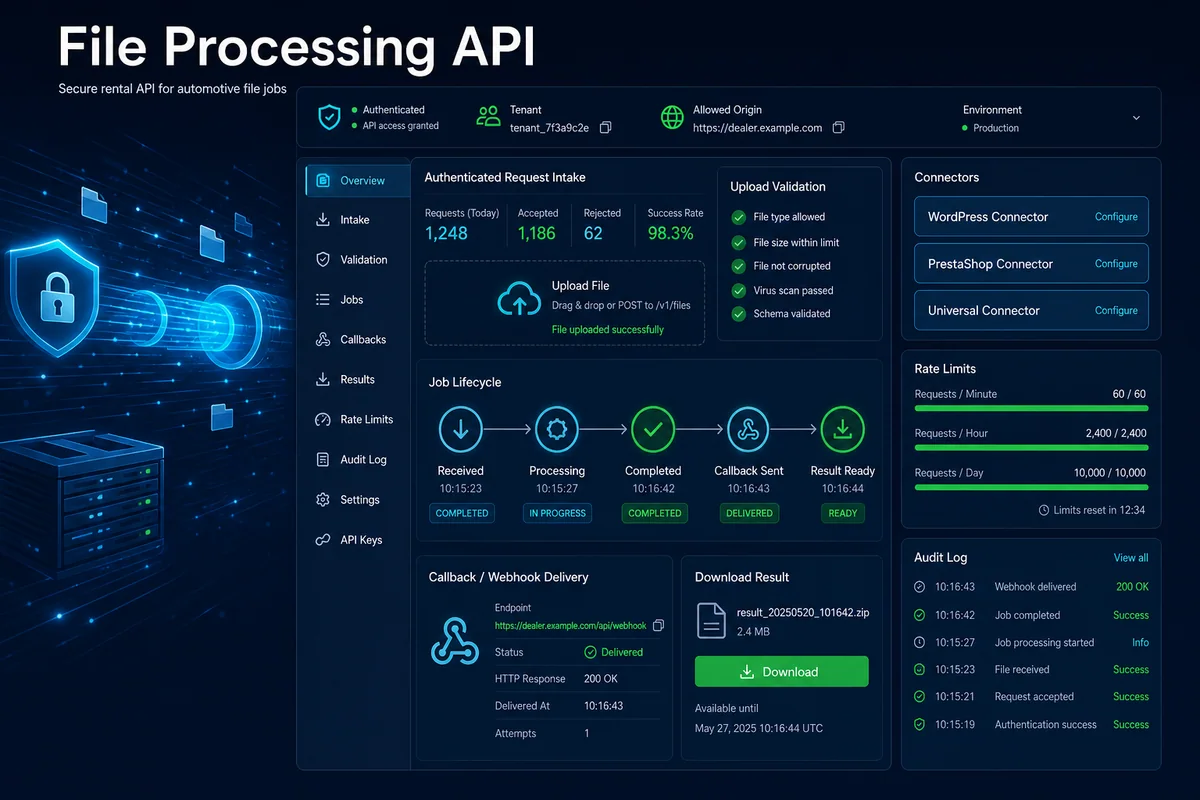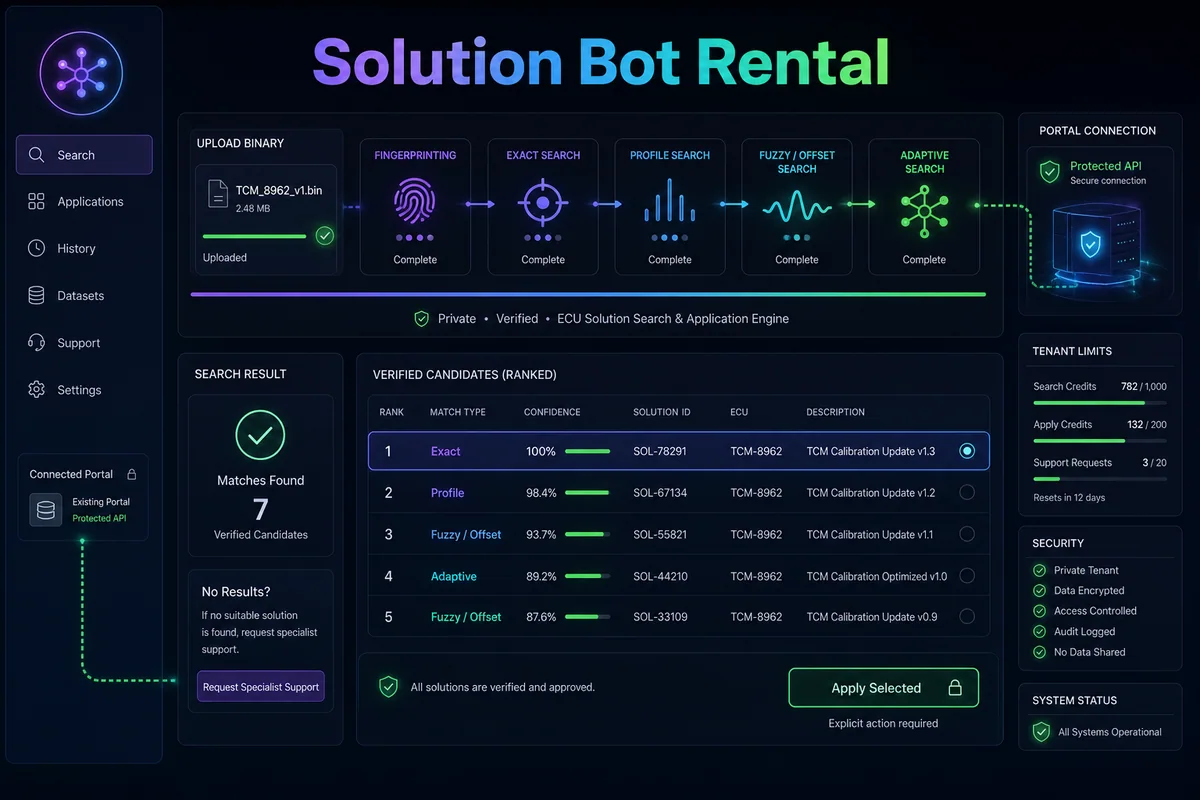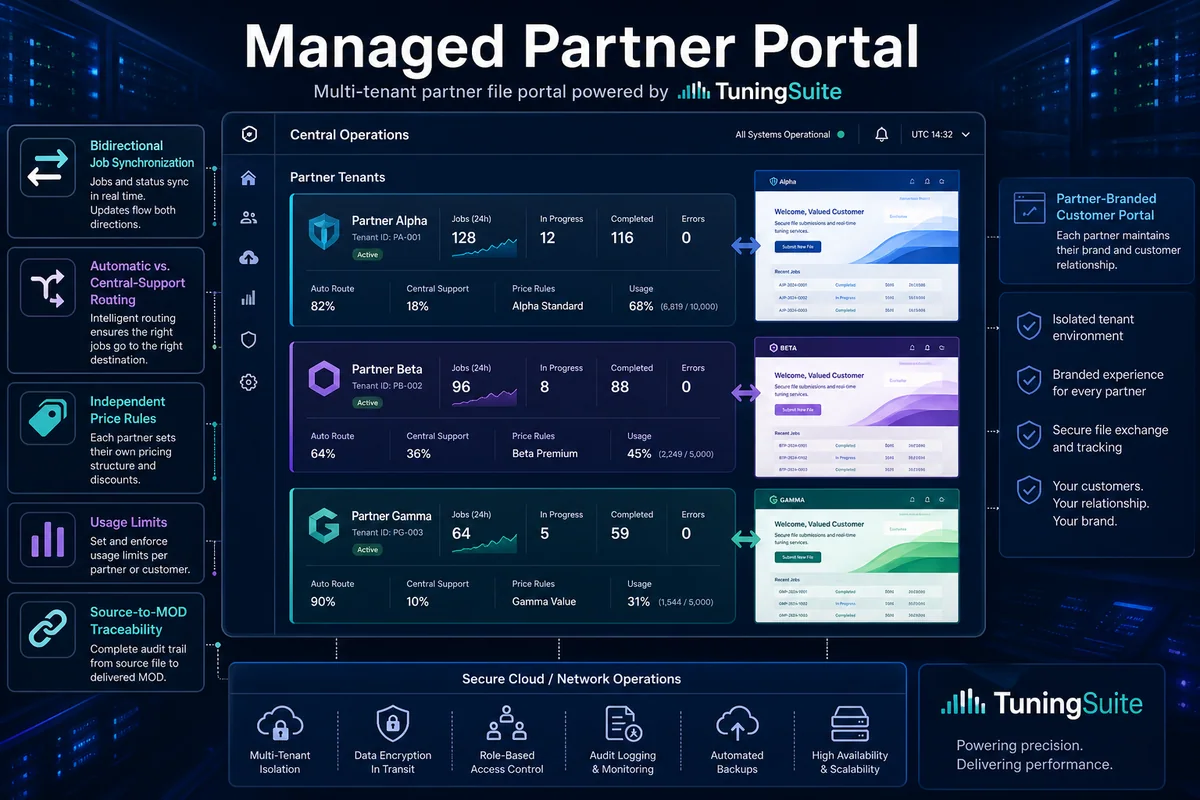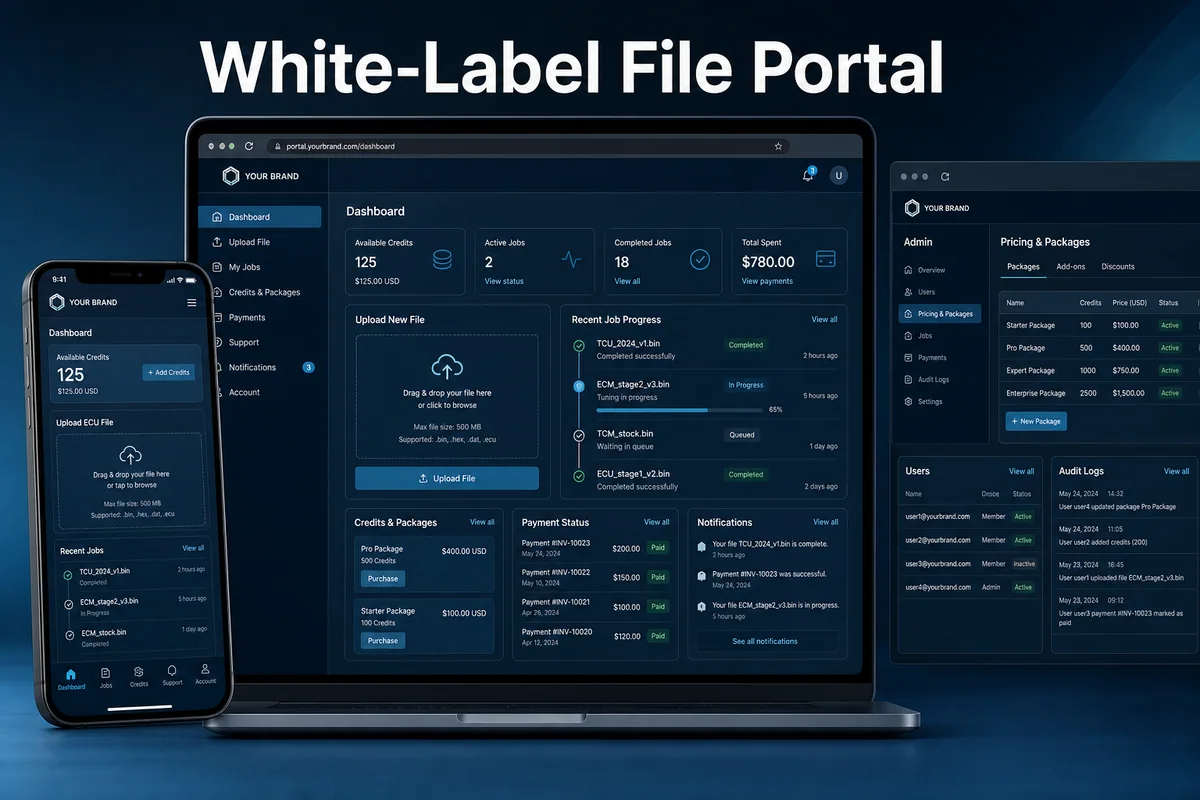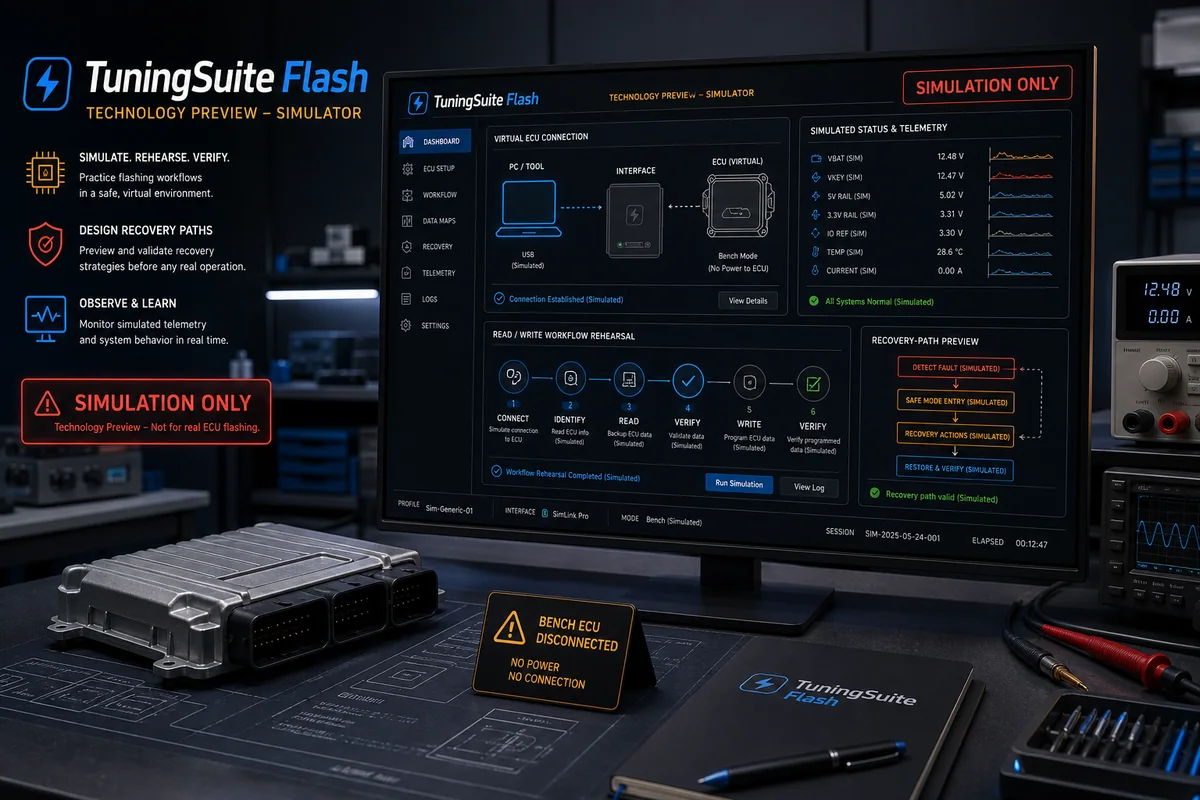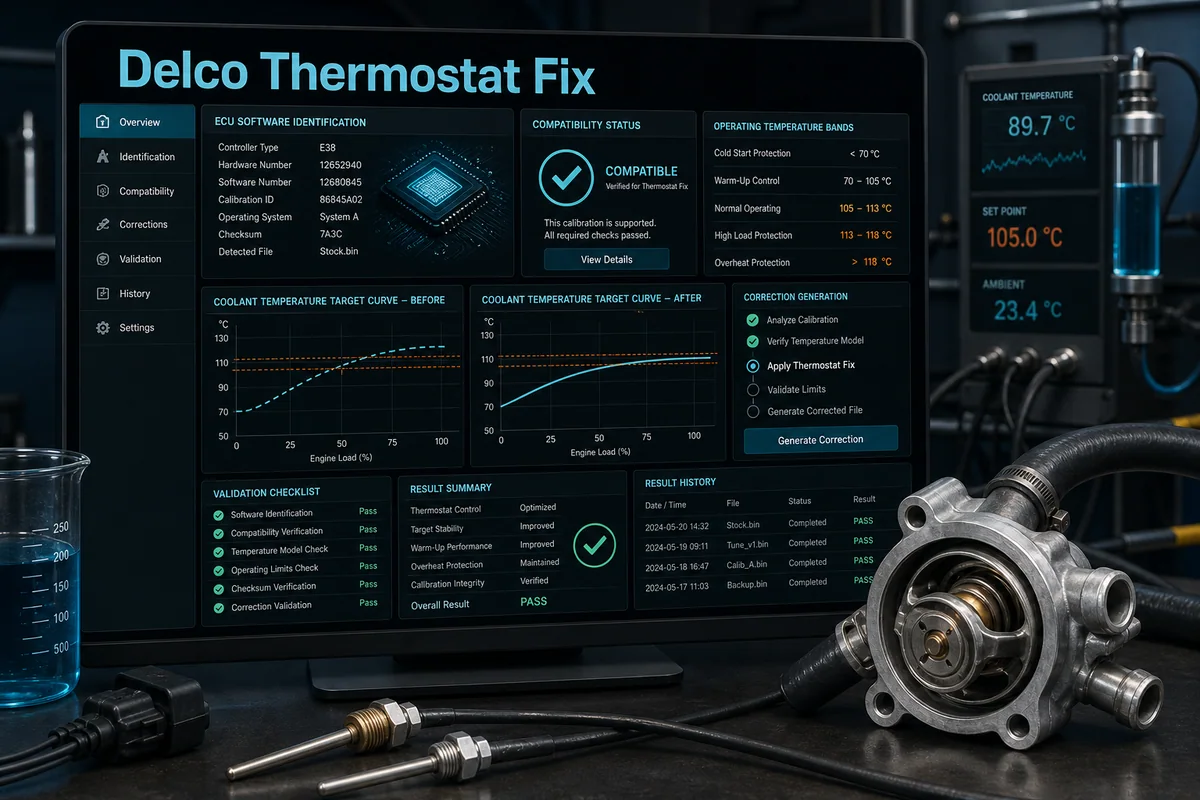
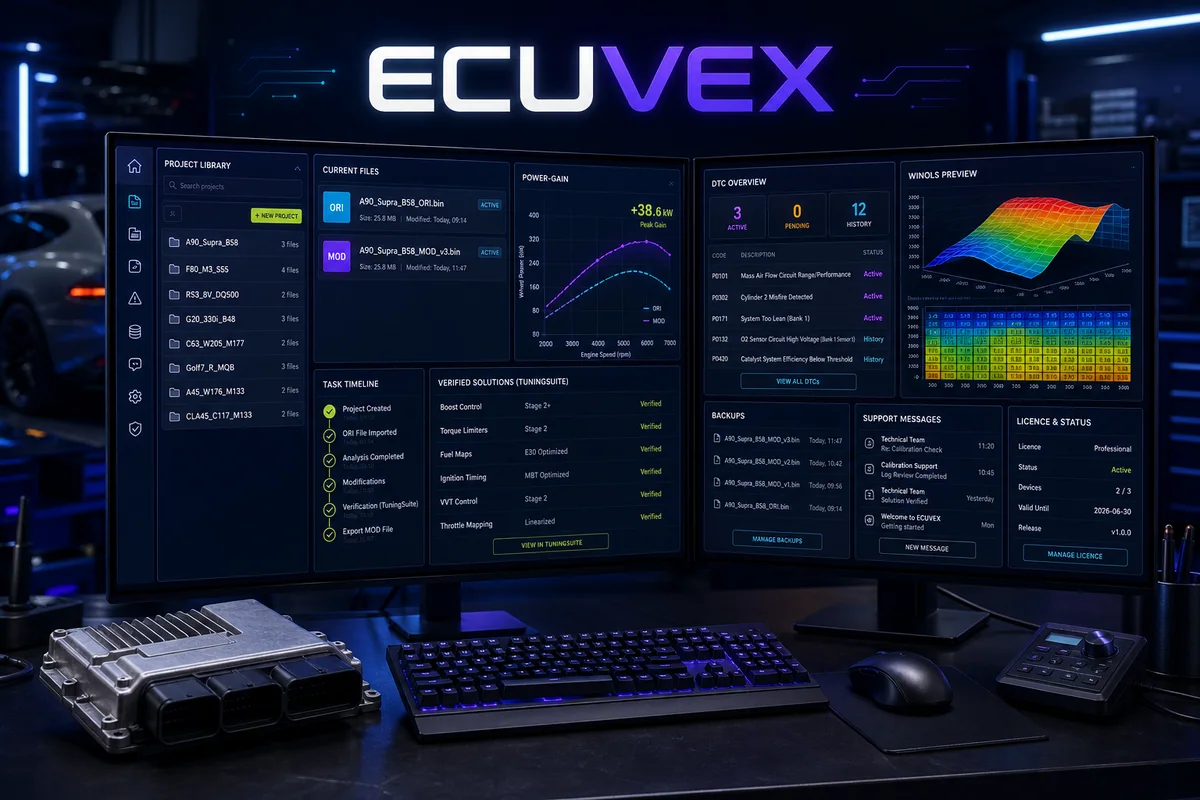
Windows command centre for projects, jobs, licensed TuningSuite solutions, MOD/ORI, backups, support, DTC, power data and WinOLS preview.
How it works — step by step
- 1
Sign in and verify licence, workstation, limits and current release.
- 2
Create a project, attach ORI and confirm vehicle, ECU, SW/HW and file evidence.
- 3
Search licensed solutions, DTC and power context within the same job.
- 4
Apply MOD or restore ORI while recording source, result and every action.
- 5
Create a backup, add notes, use support if required and export the final dossier.
Key capabilities
- Projects and job history
- Apply MOD and restore ORI
- Backups and support
- Remote licences, limits and releases
Result, scope and responsible validation
Every stage remains tied to the relevant account, licence, file or tenant. Source material and history are retained, uncertain cases never receive an invented result, and the output must pass the validation required for the specific program, integration or workshop process.