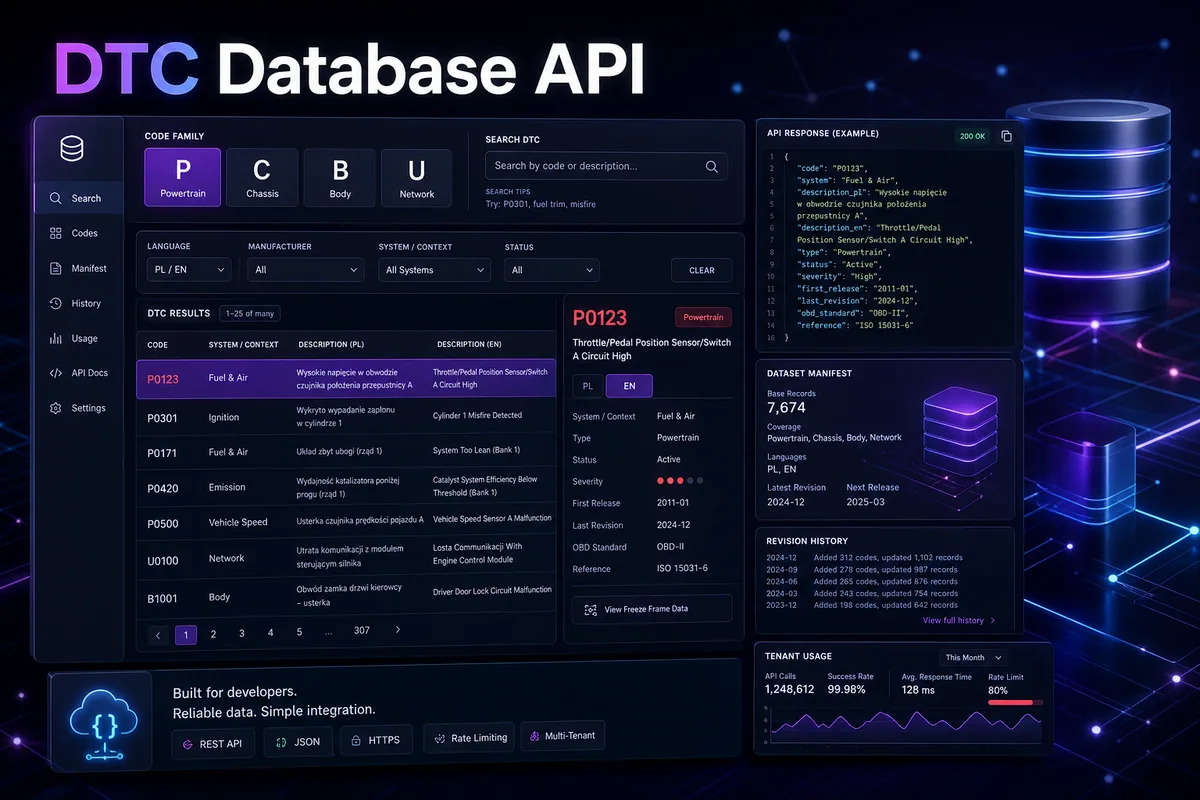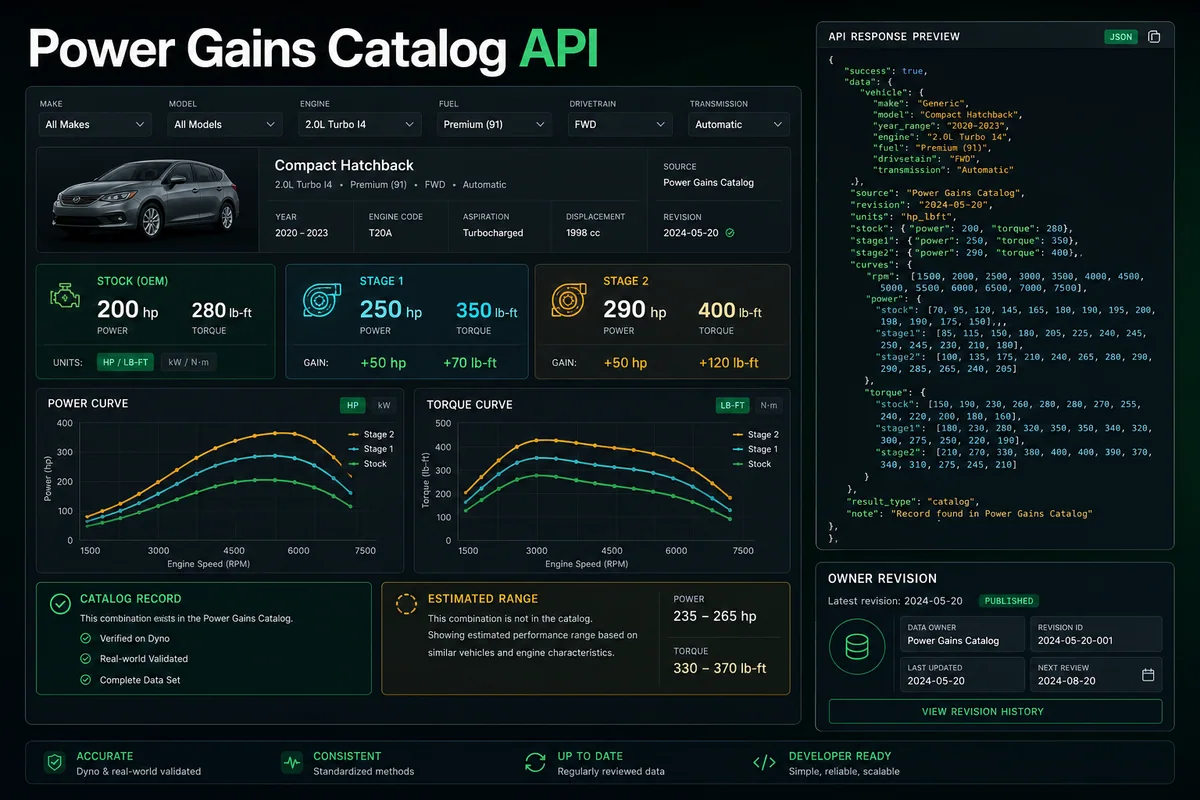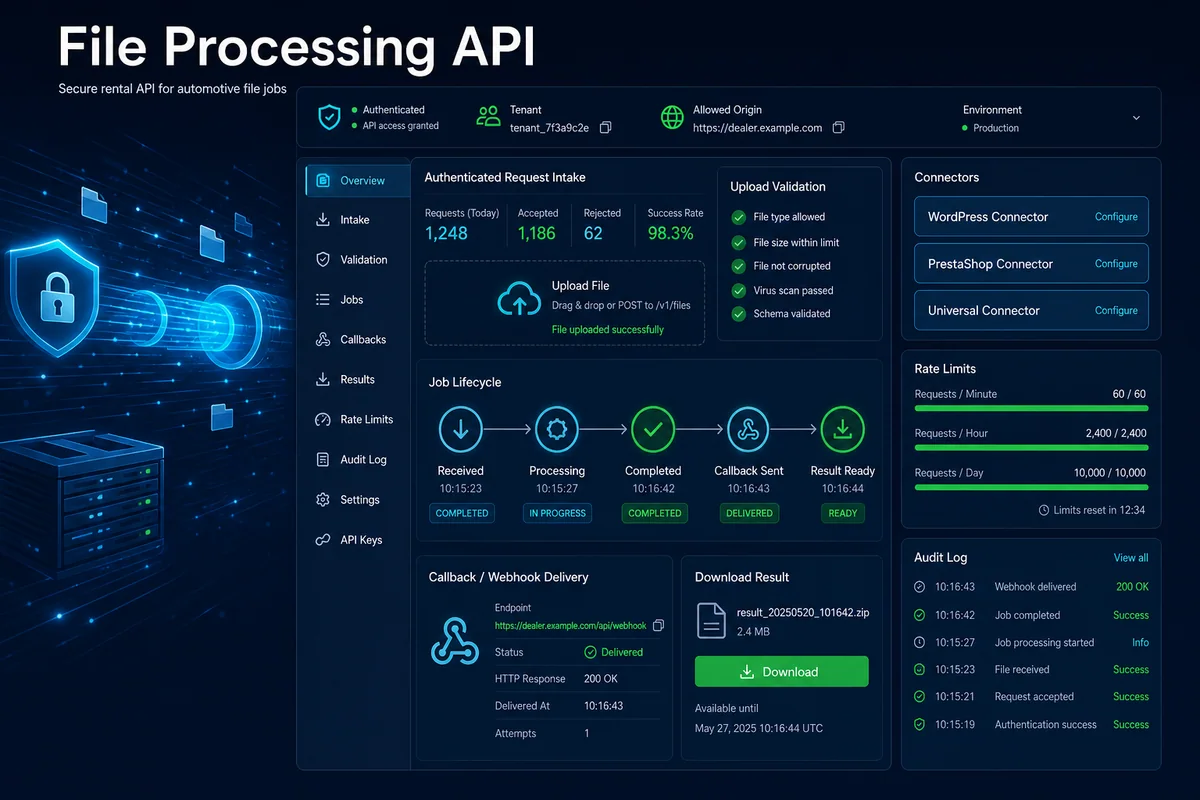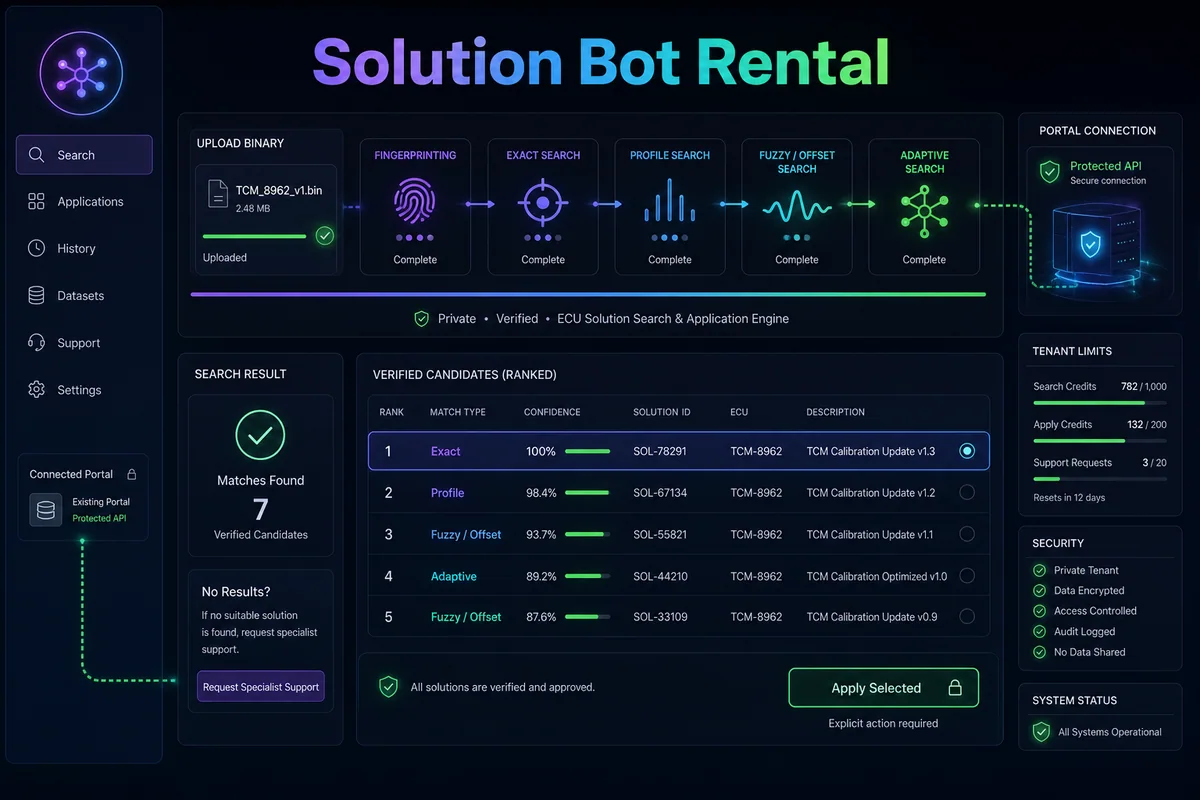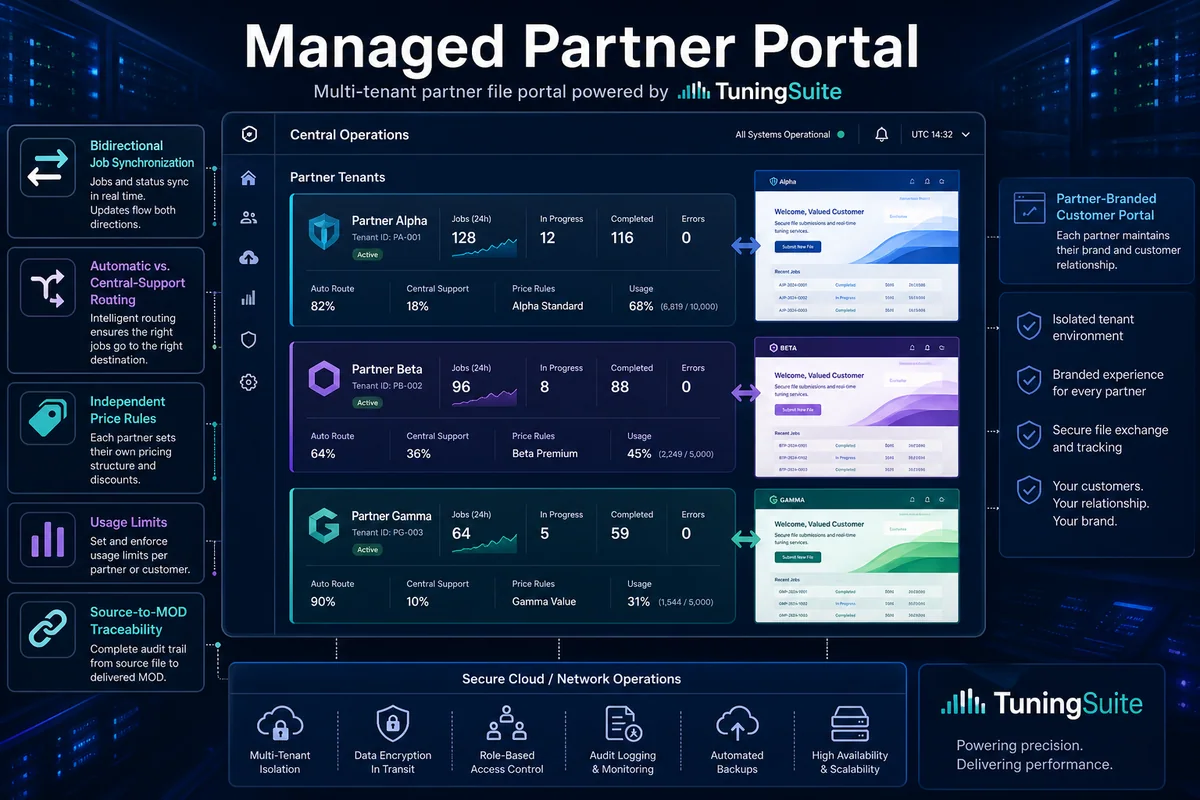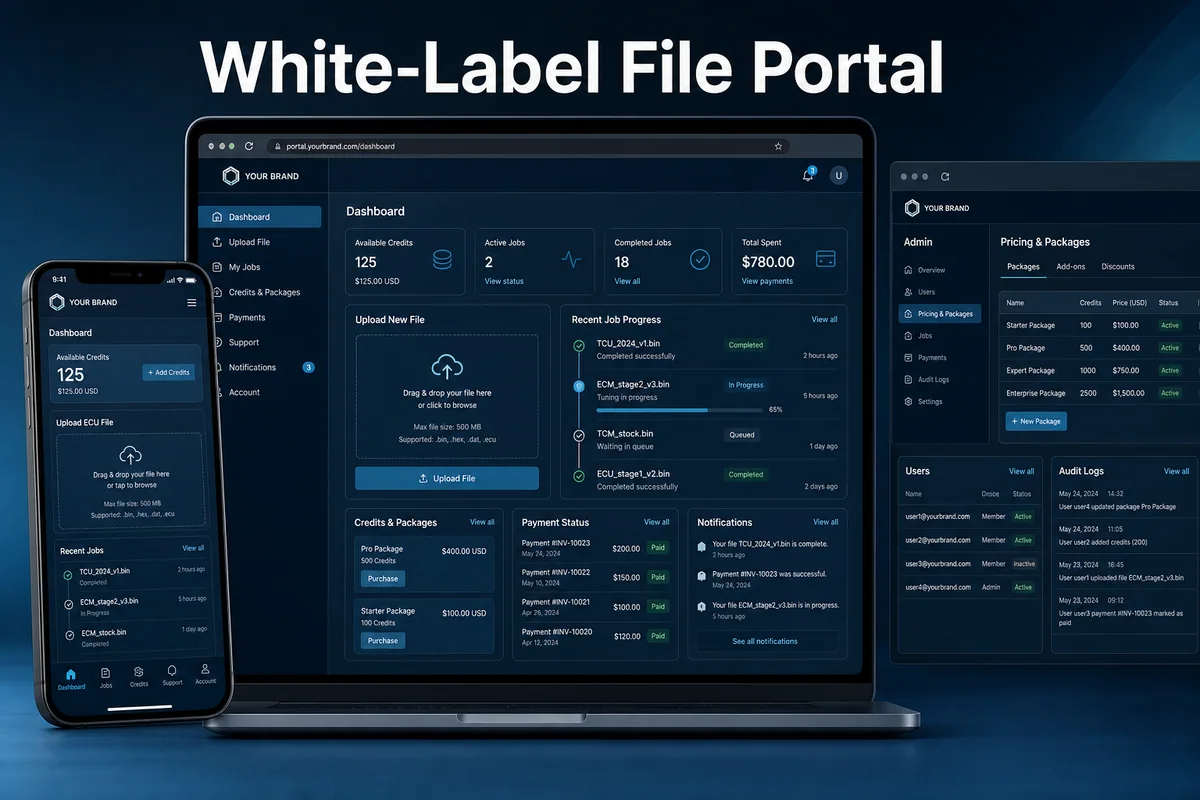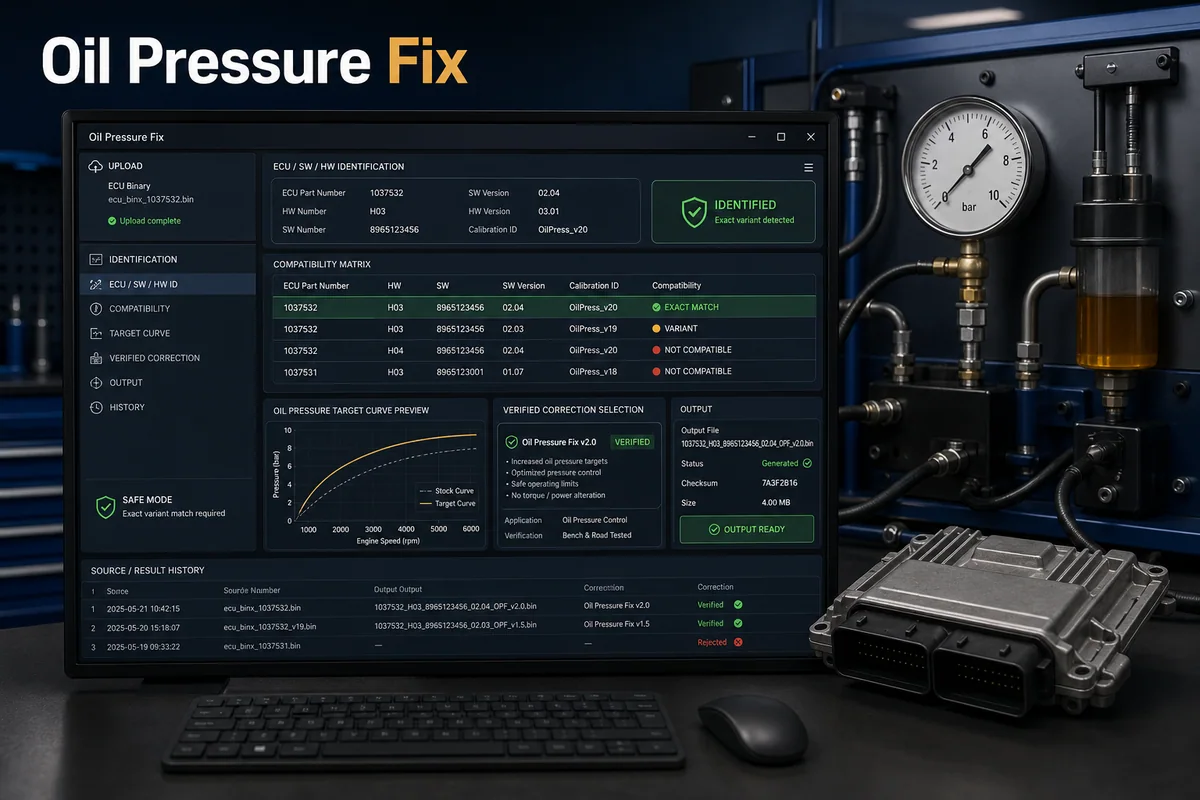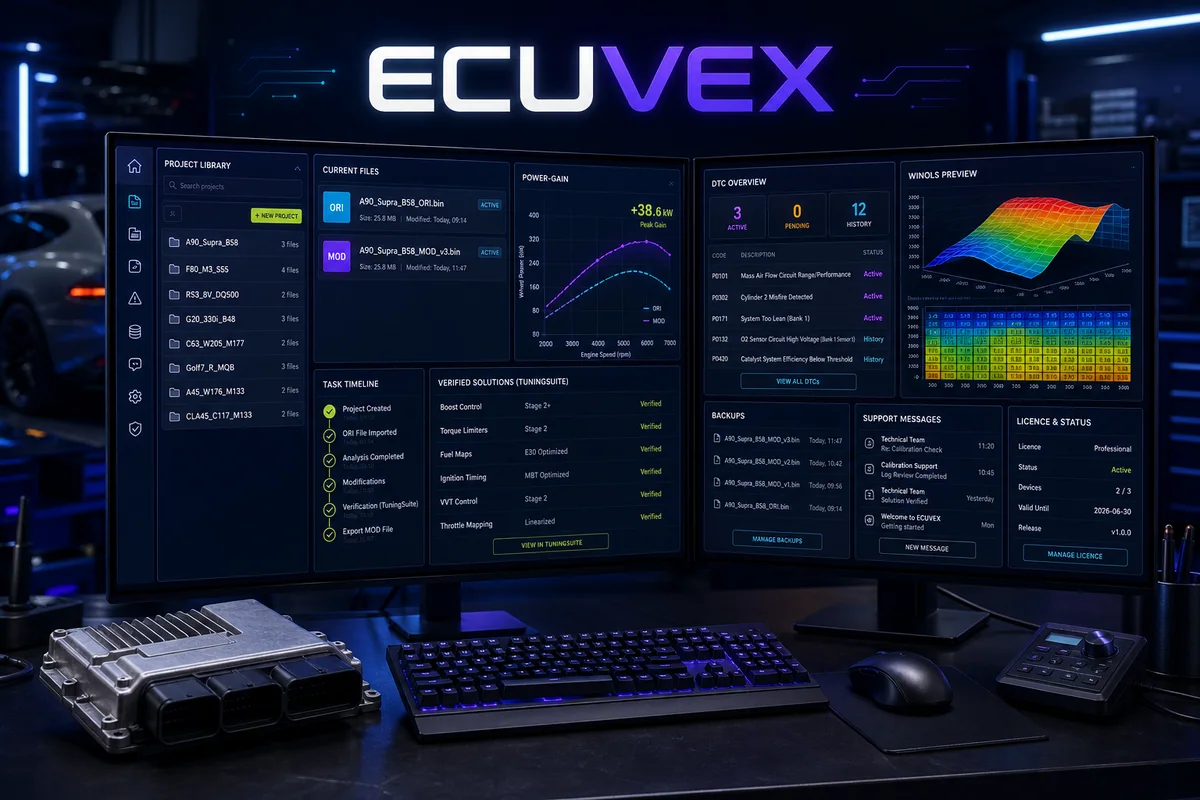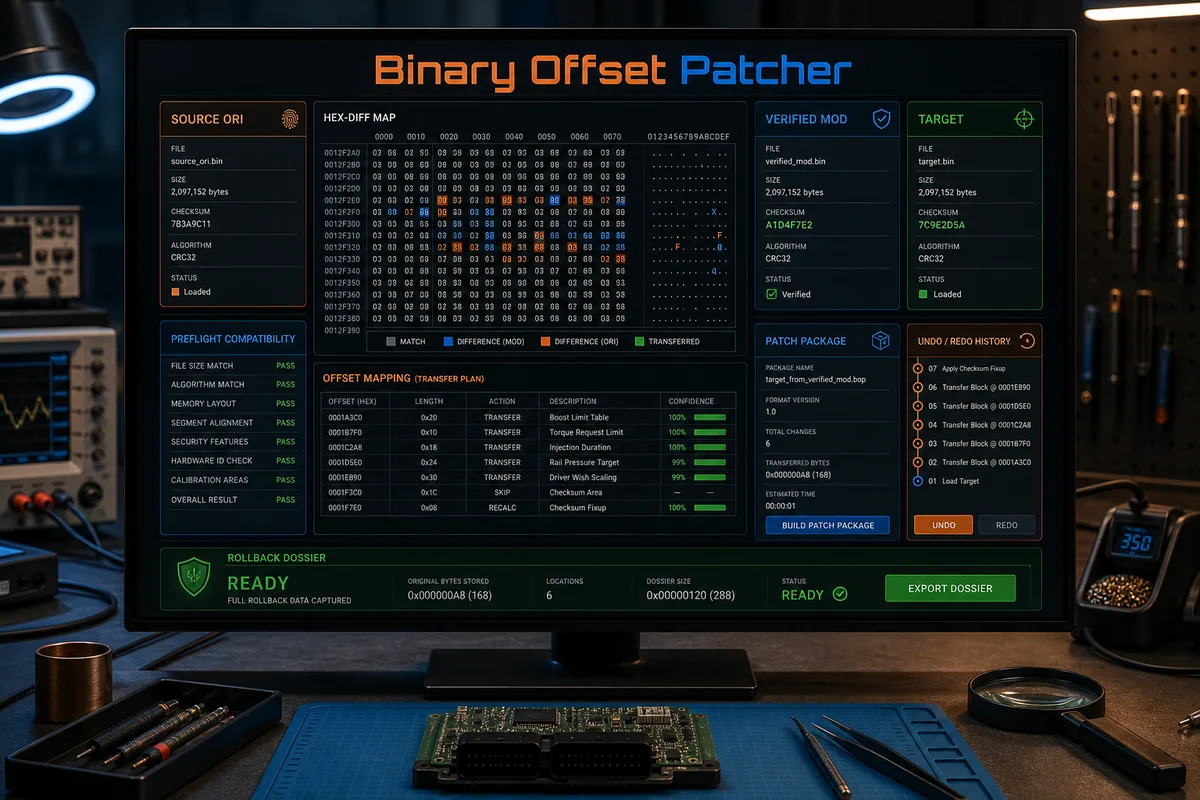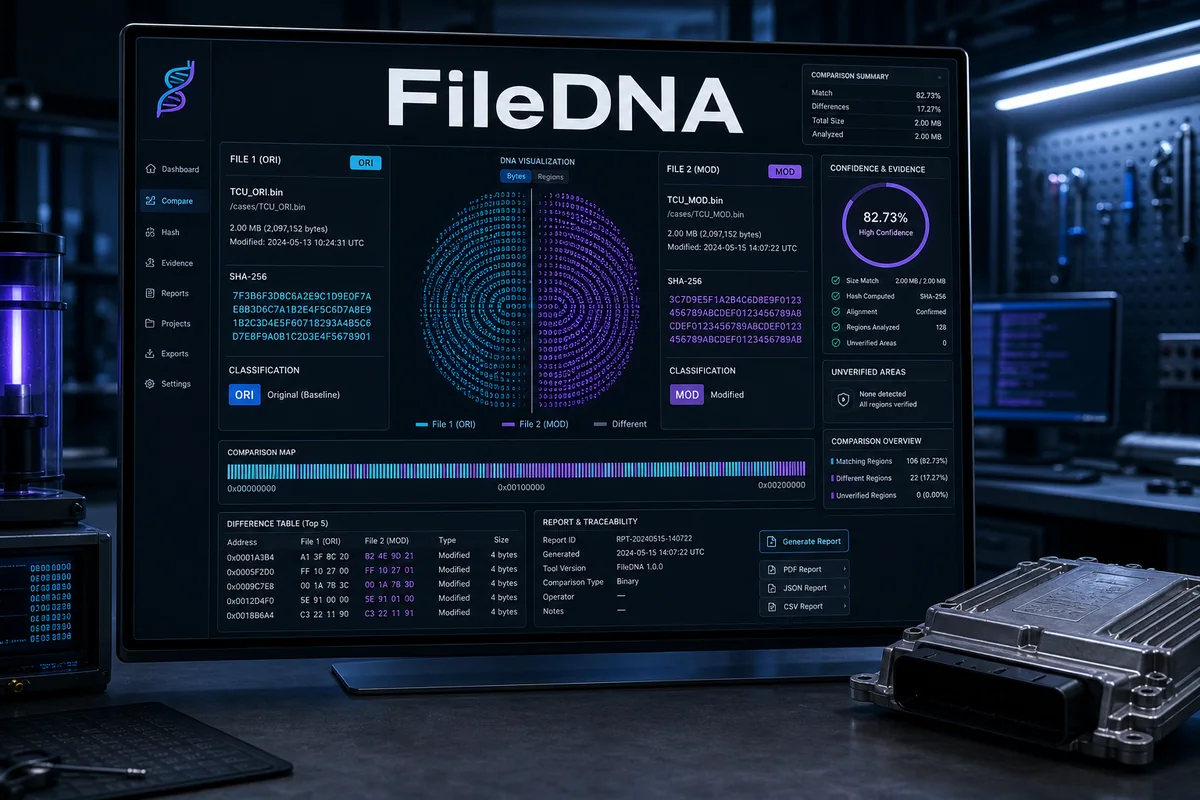
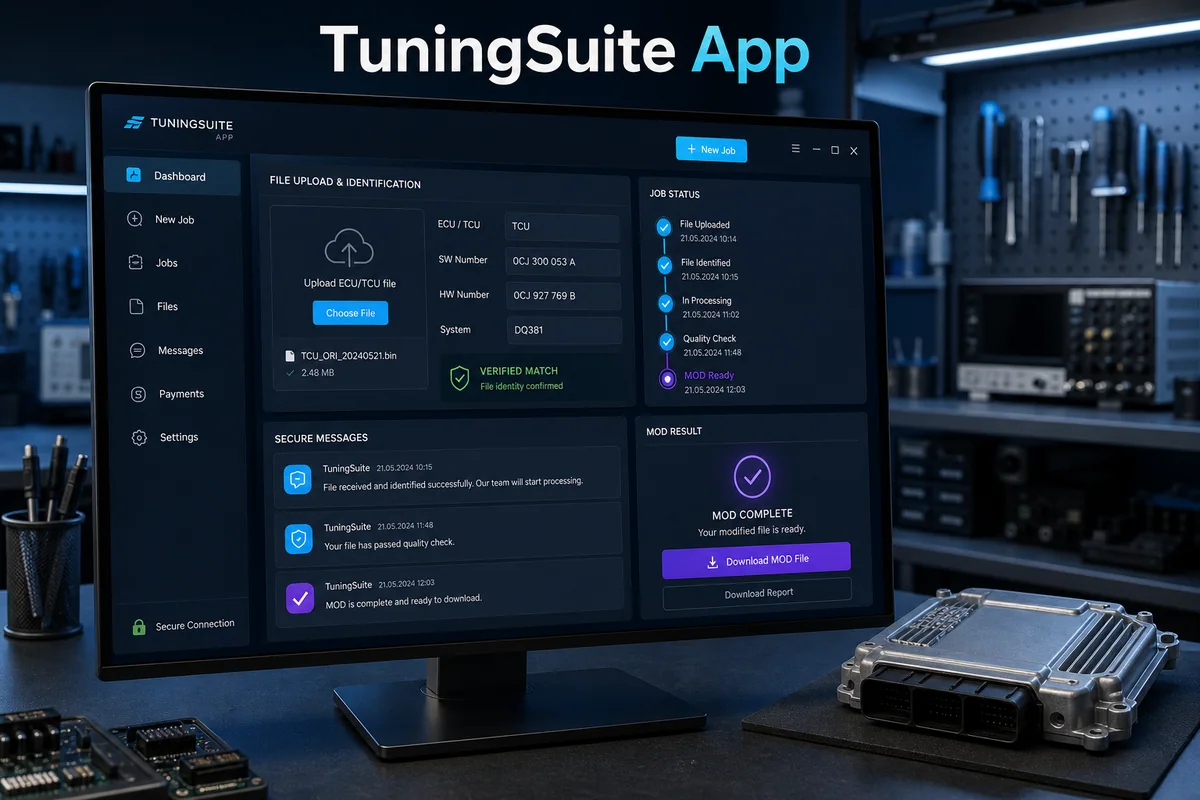
Desktop access to the TuningSuite account: ECU/TCU identification, verified solution search, history, messages and completed MOD delivery.
How it works — step by step
- 1
Sign in with the same account used in TuningSuite Web and verify the active entitlement.
- 2
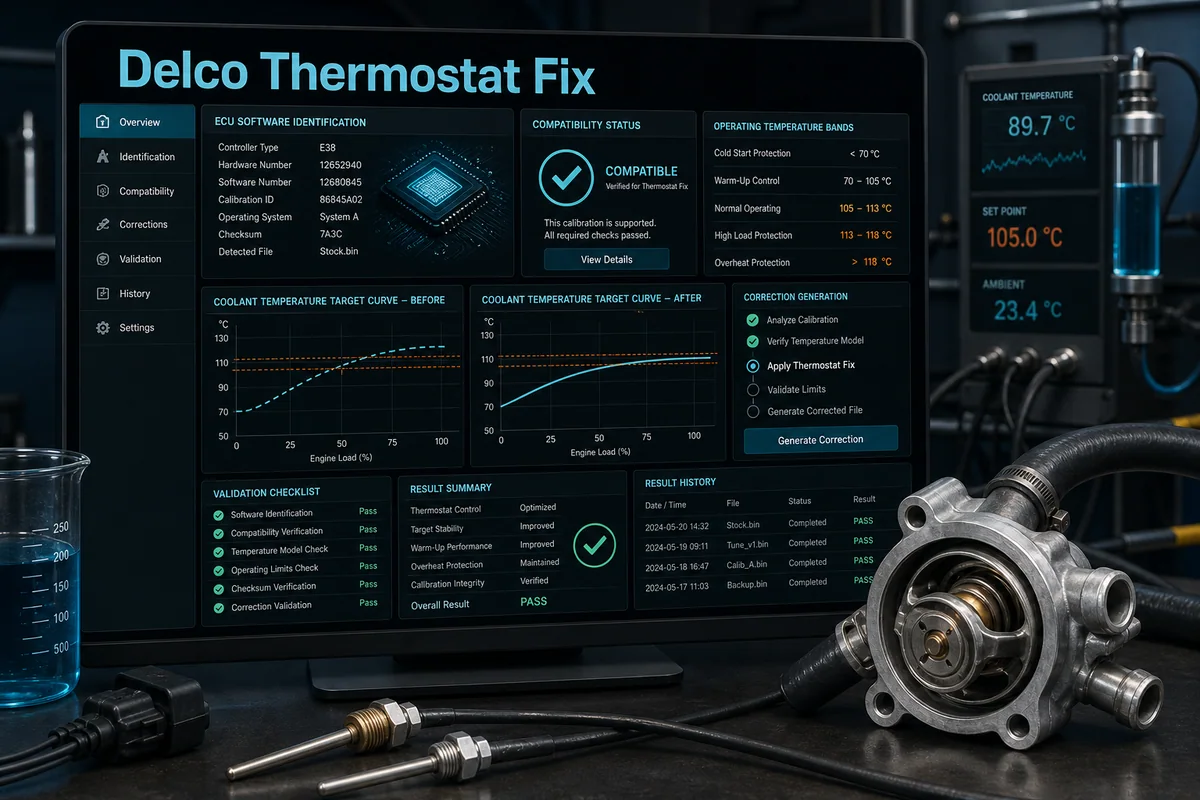
Upload an ECU/TCU read and review ECU, SW/HW and file-identification evidence.
- 3
Select an available service; a verified match follows automation while an uncertain file goes to support.
- 4
Track status, messages and additional questions inside the same synchronized job.
- 5
Download the completed file while source, result and job history remain connected to the account.
Key capabilities
- One Web/App account
- SW/HW and ECU identification
- Automatic results and support
- Protected licence and updates
Result, scope and responsible validation
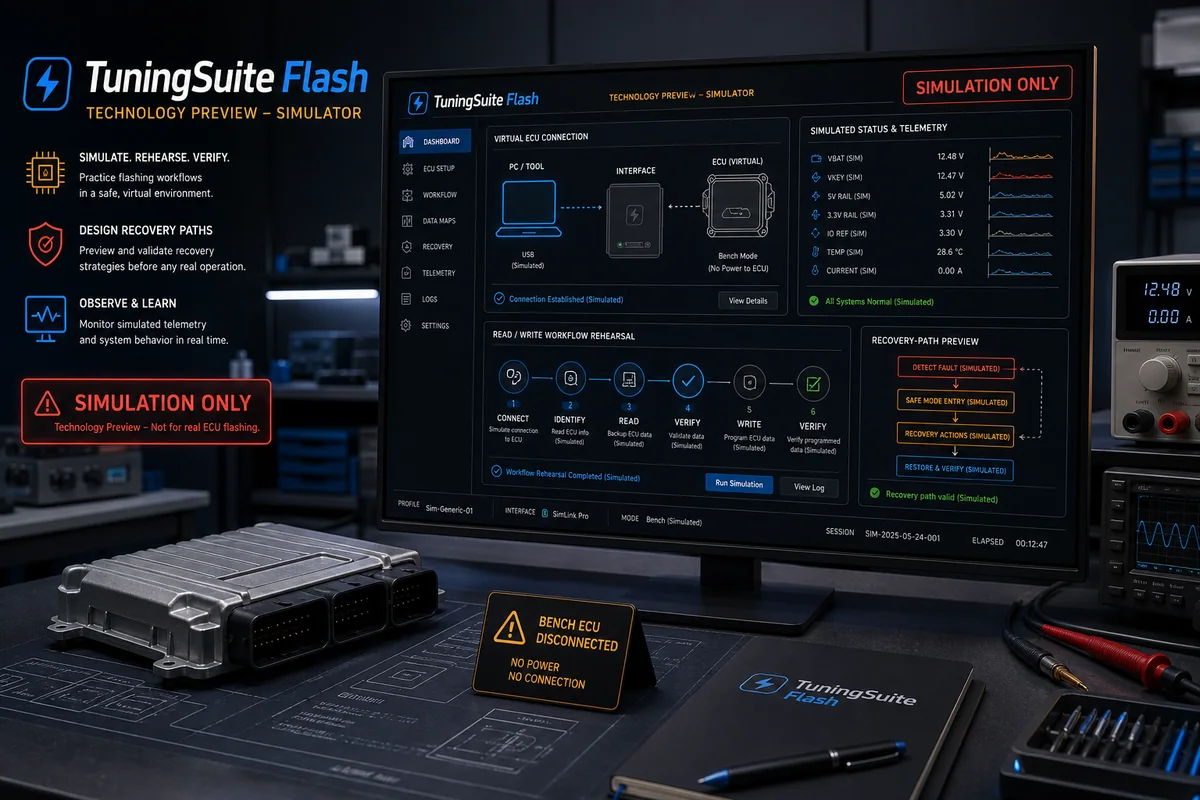
Every stage remains tied to the relevant account, licence, file or tenant. Source material and history are retained, uncertain cases never receive an invented result, and the output must pass the validation required for the specific program, integration or workshop process.