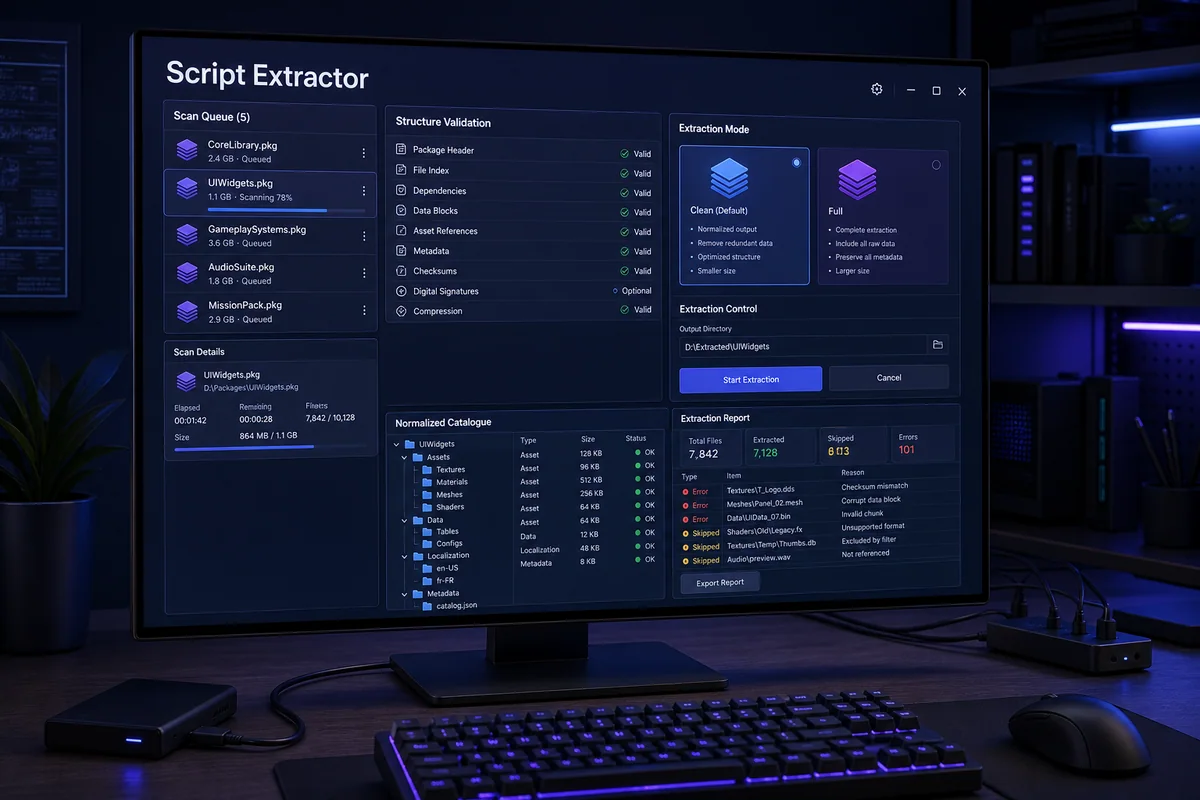
Batch extraction, validation and normalization of supported script packages into an organized technical catalogue.
How it works — step by step
- 1
Select a read-only source and separate output directory.
- 2
Scan every package and validate header, index, dependencies and integrity.
- 3
Use Clean for normalized output or Full for the complete supported scope.
- 4
Report corrupt, encrypted or unsupported packages instead of silently accepting them.
- 5
Review the organized catalogue before controlled indexing or comparison.
Key capabilities
- Package structure validation
- Clean and Full variants
- Controlled output
- Error and skip reports
Result, scope and responsible validation
Every stage remains tied to the relevant account, licence, file or tenant. Source material and history are retained, uncertain cases never receive an invented result, and the output must pass the validation required for the specific program, integration or workshop process.