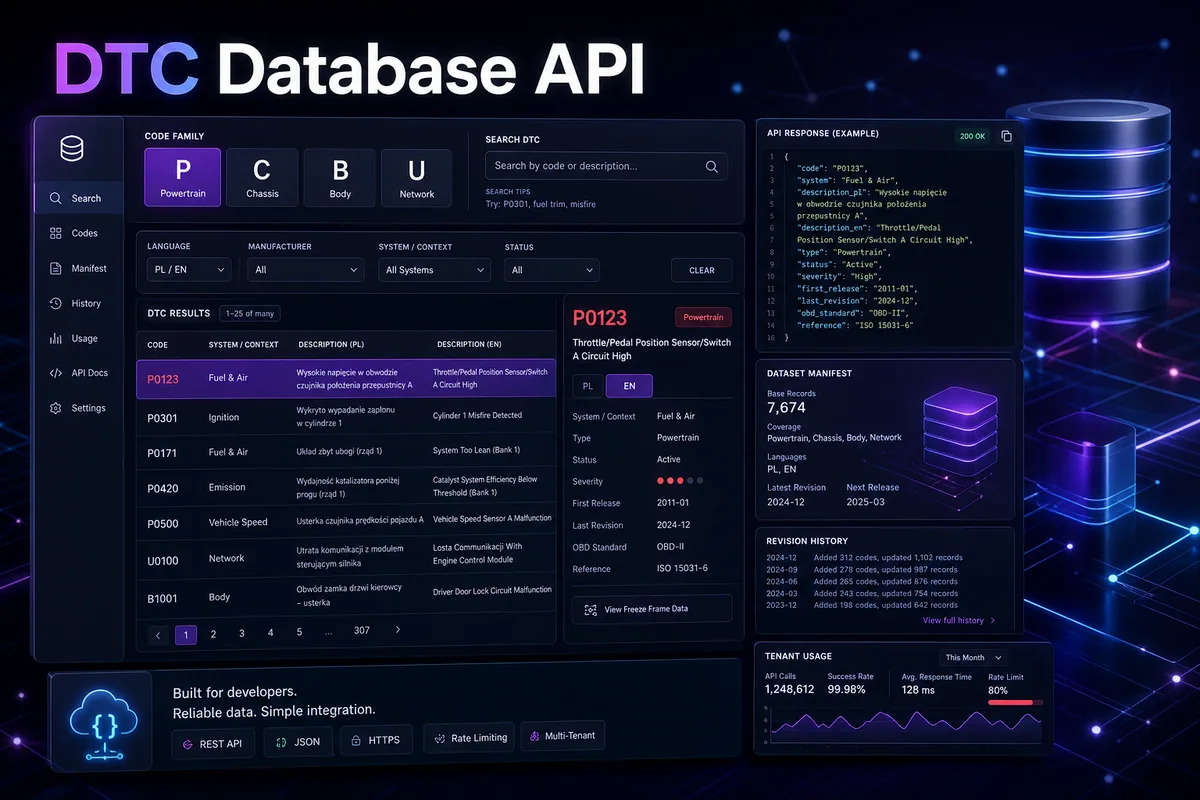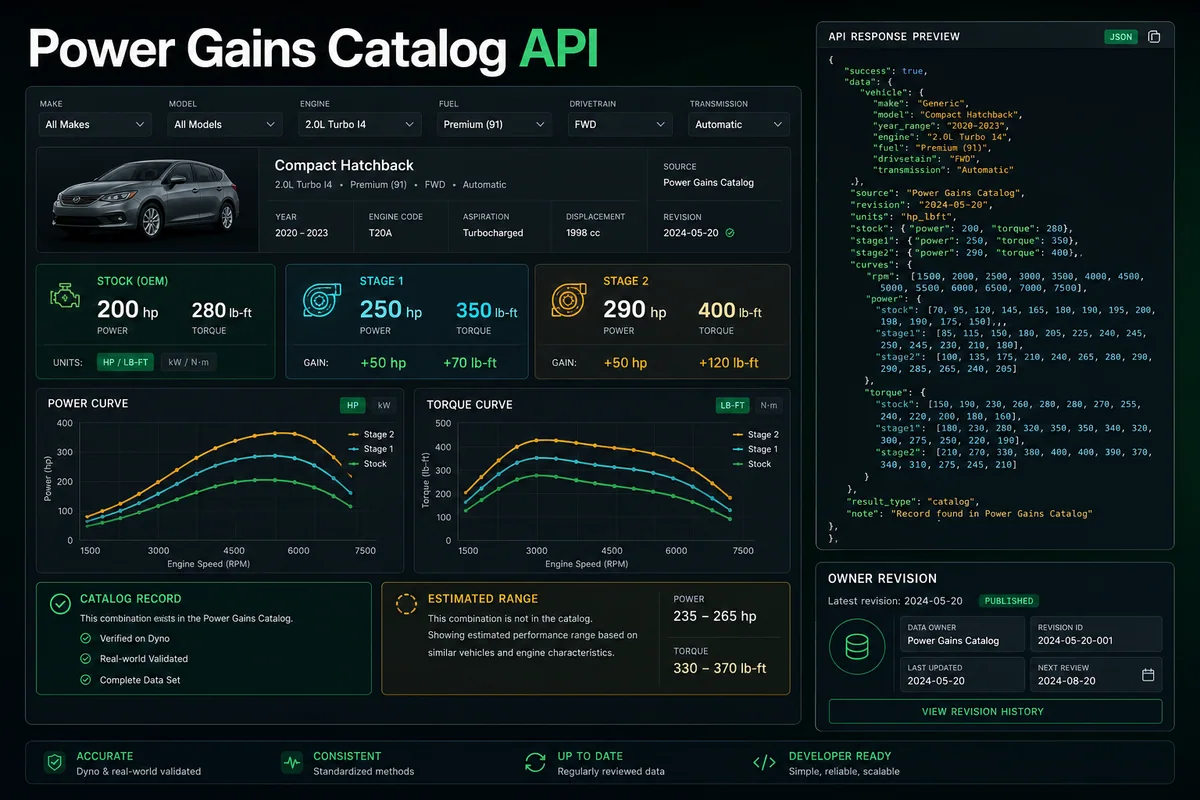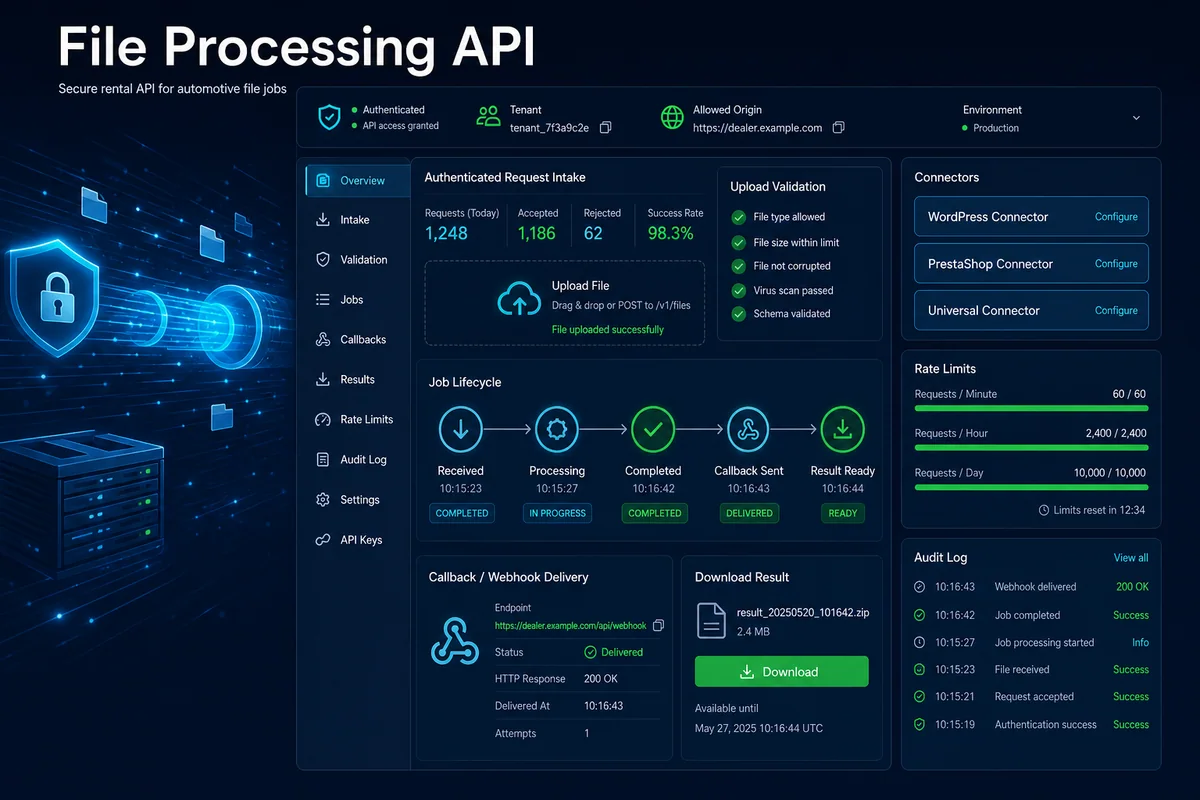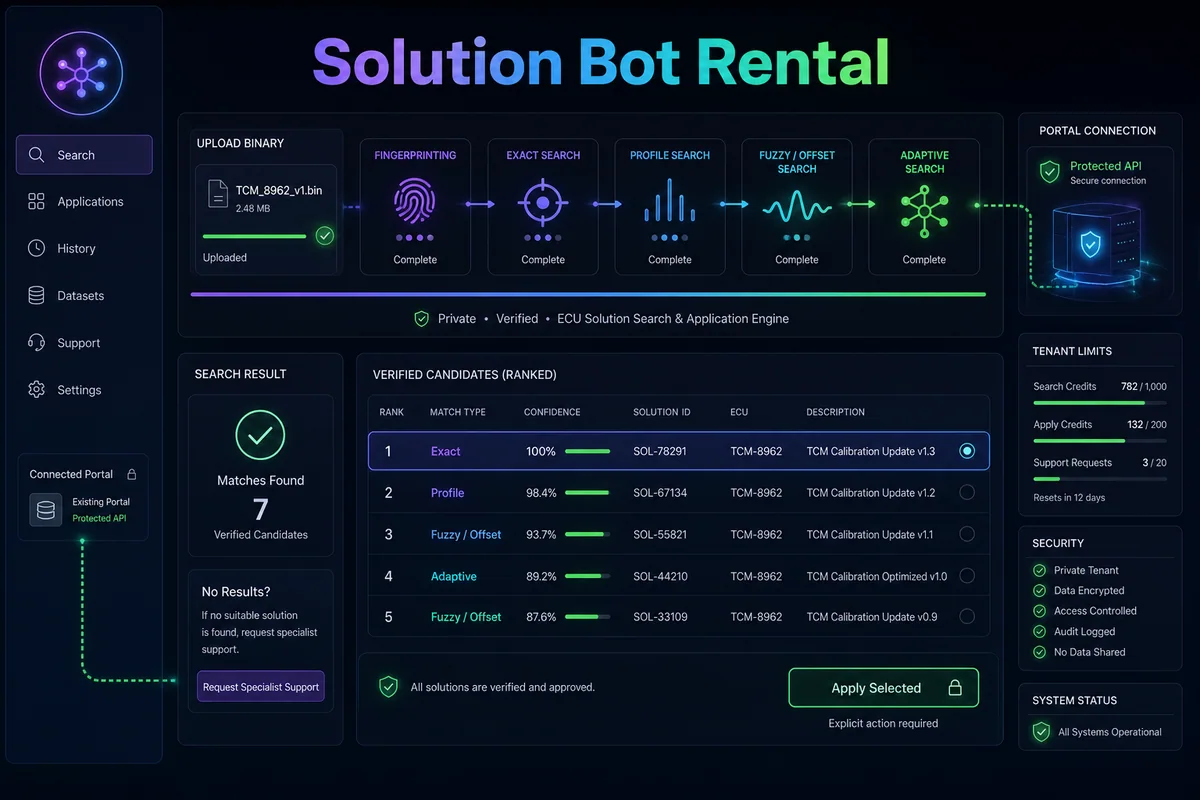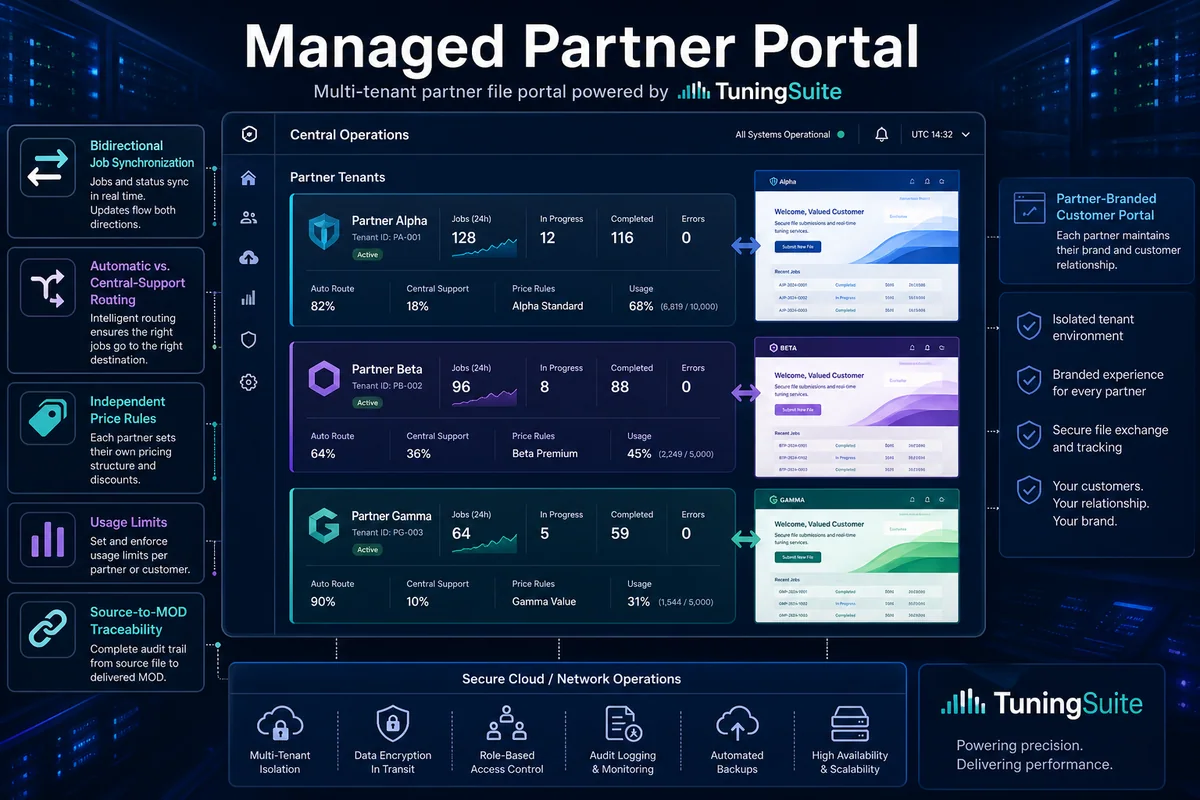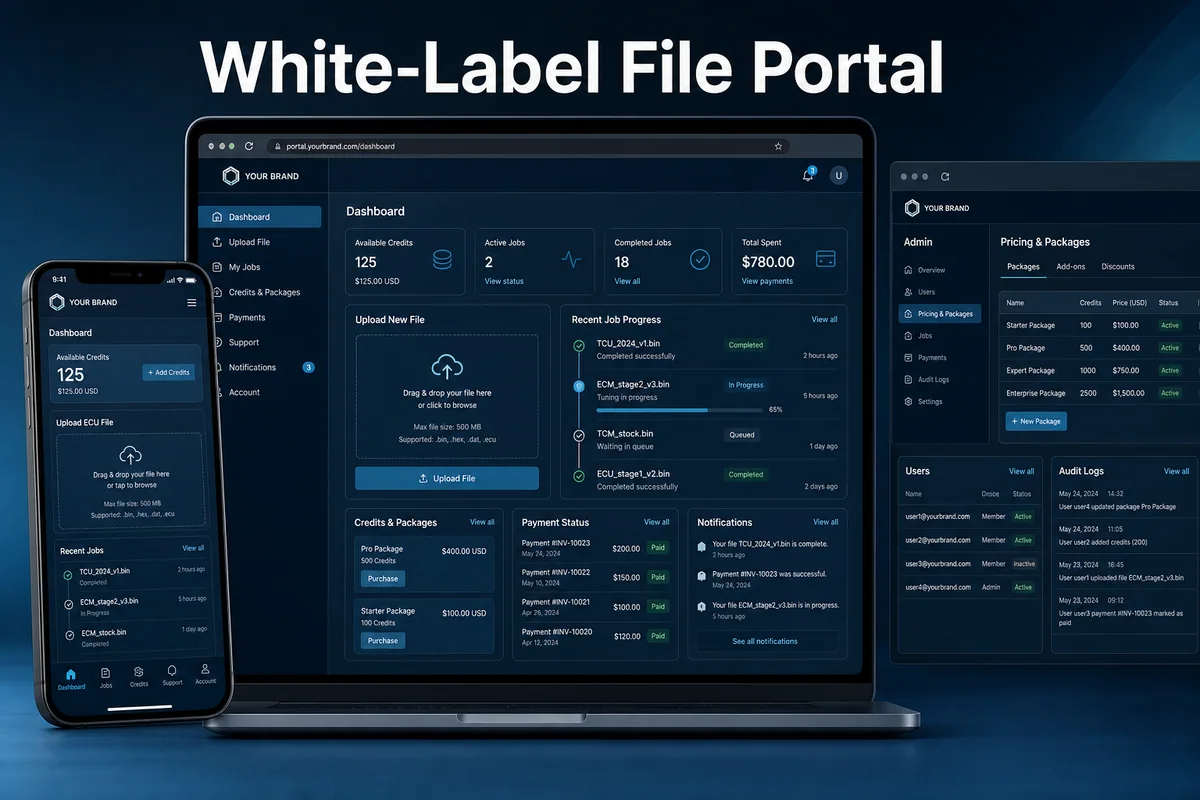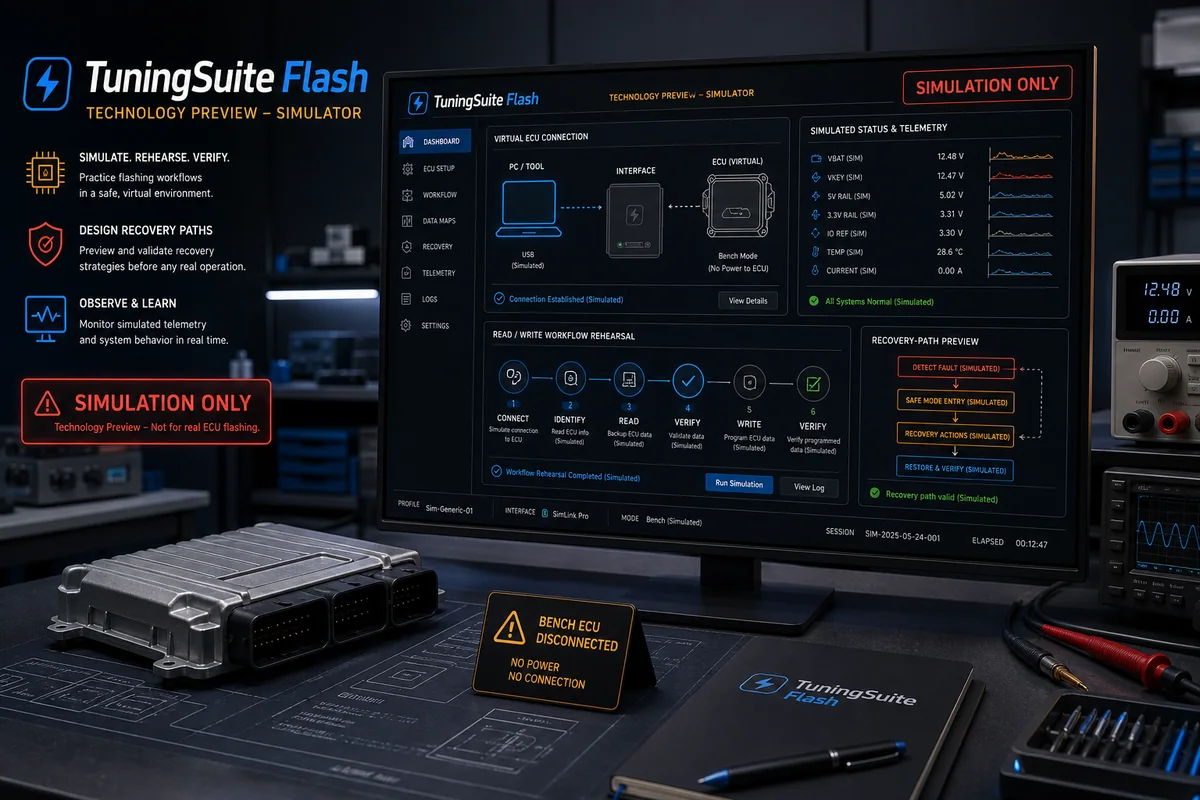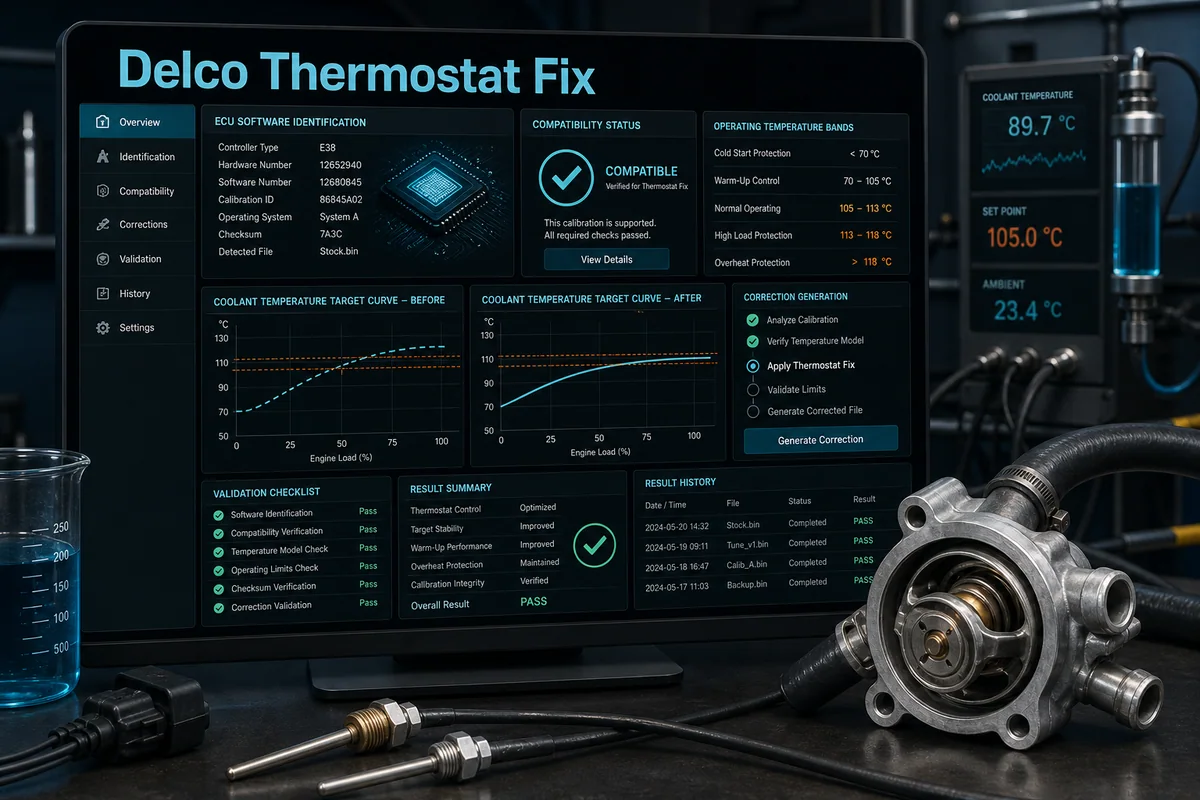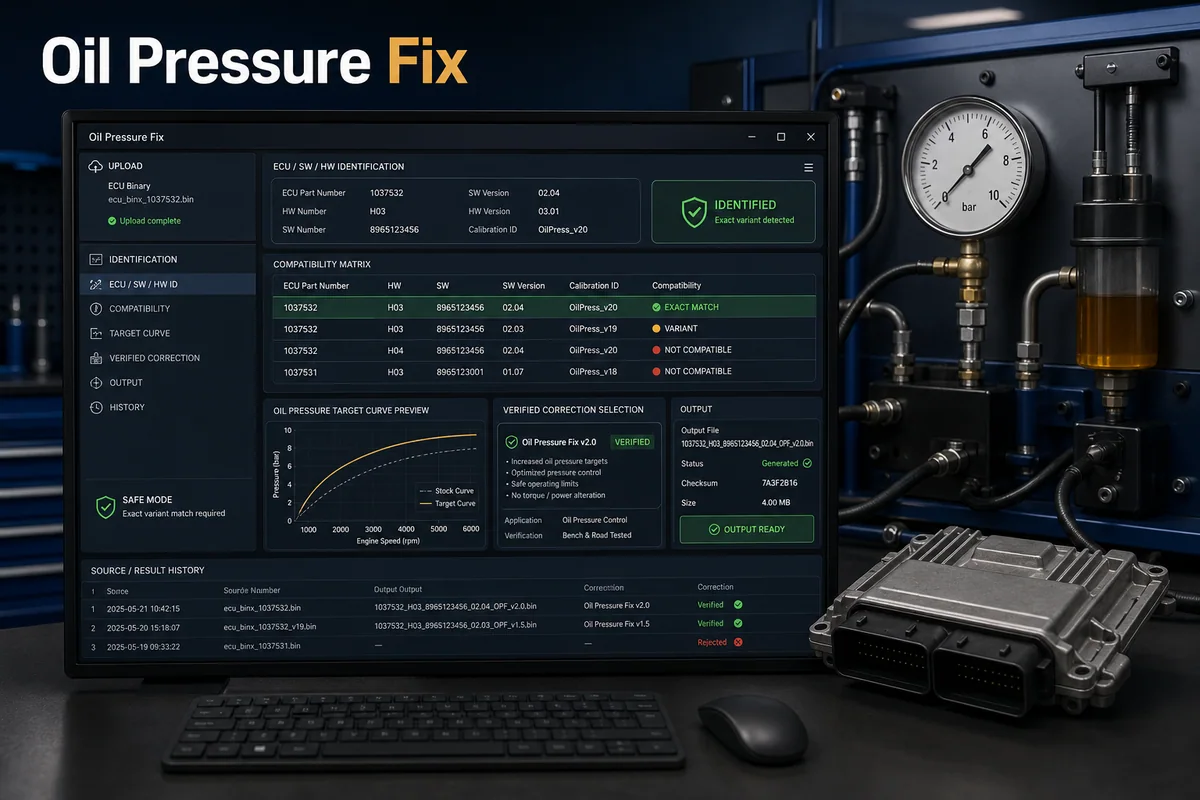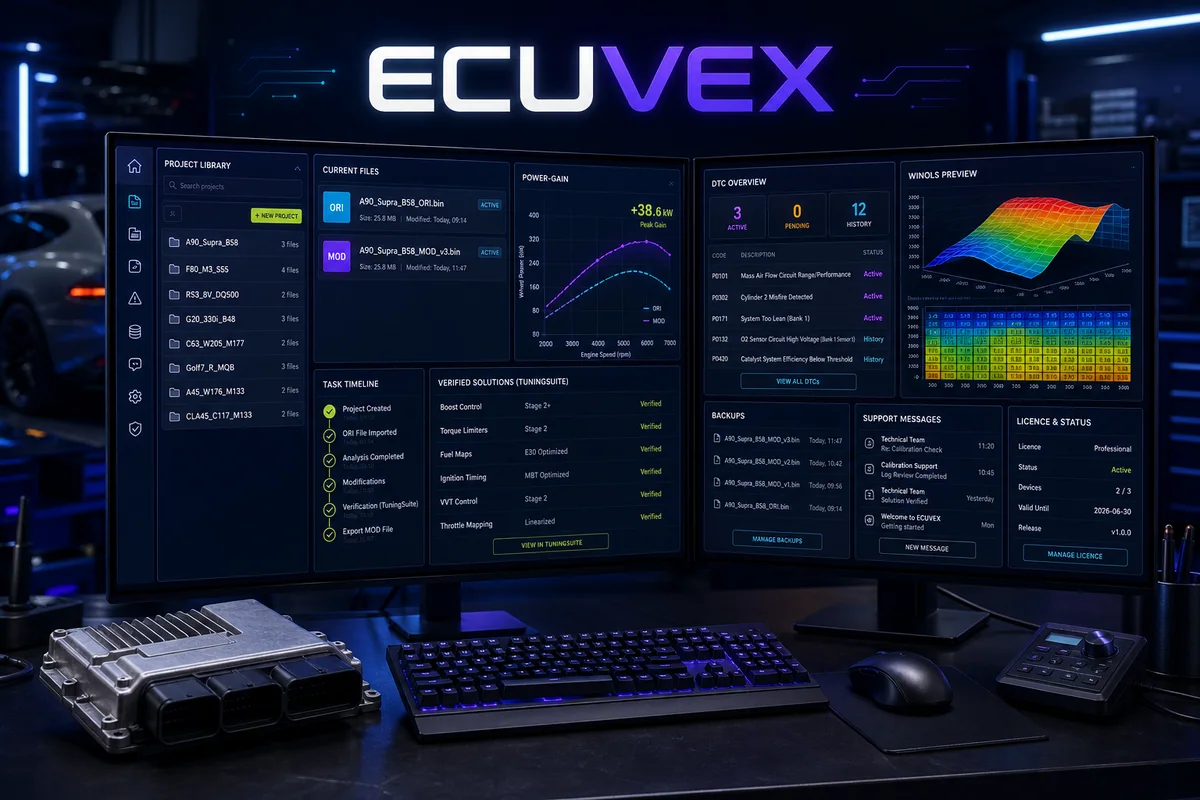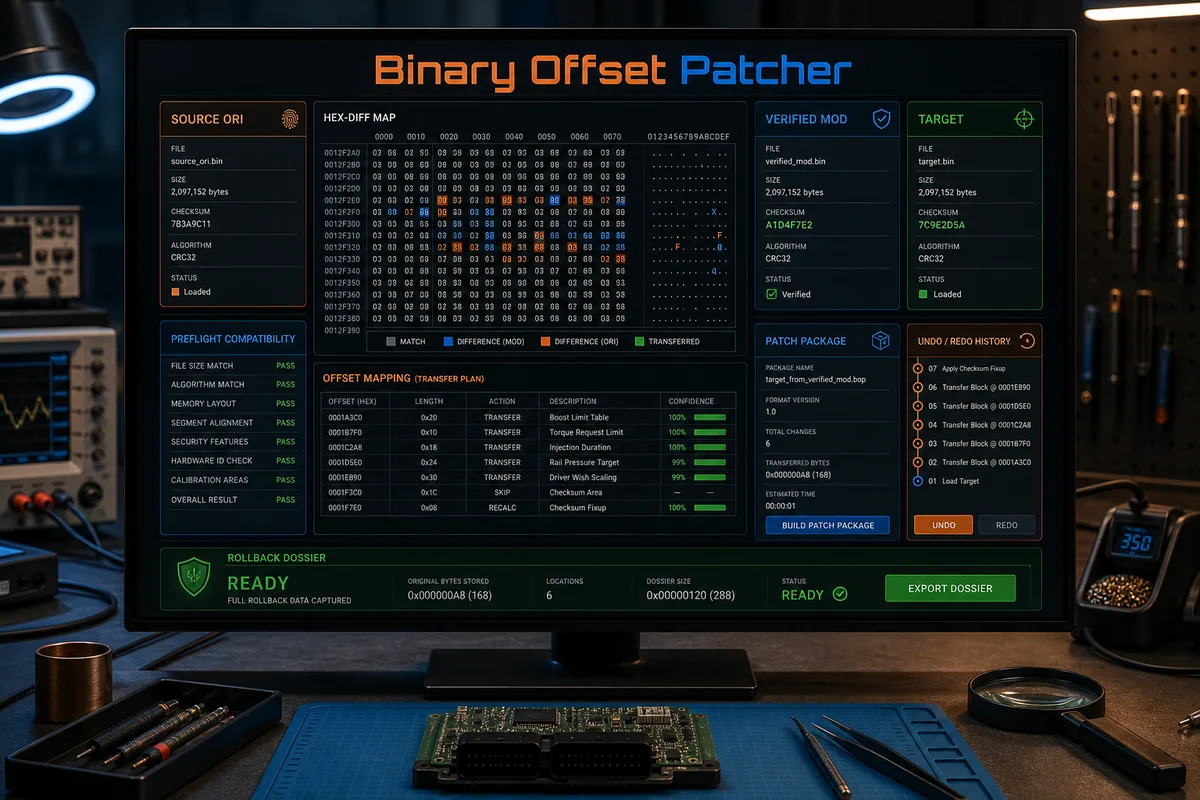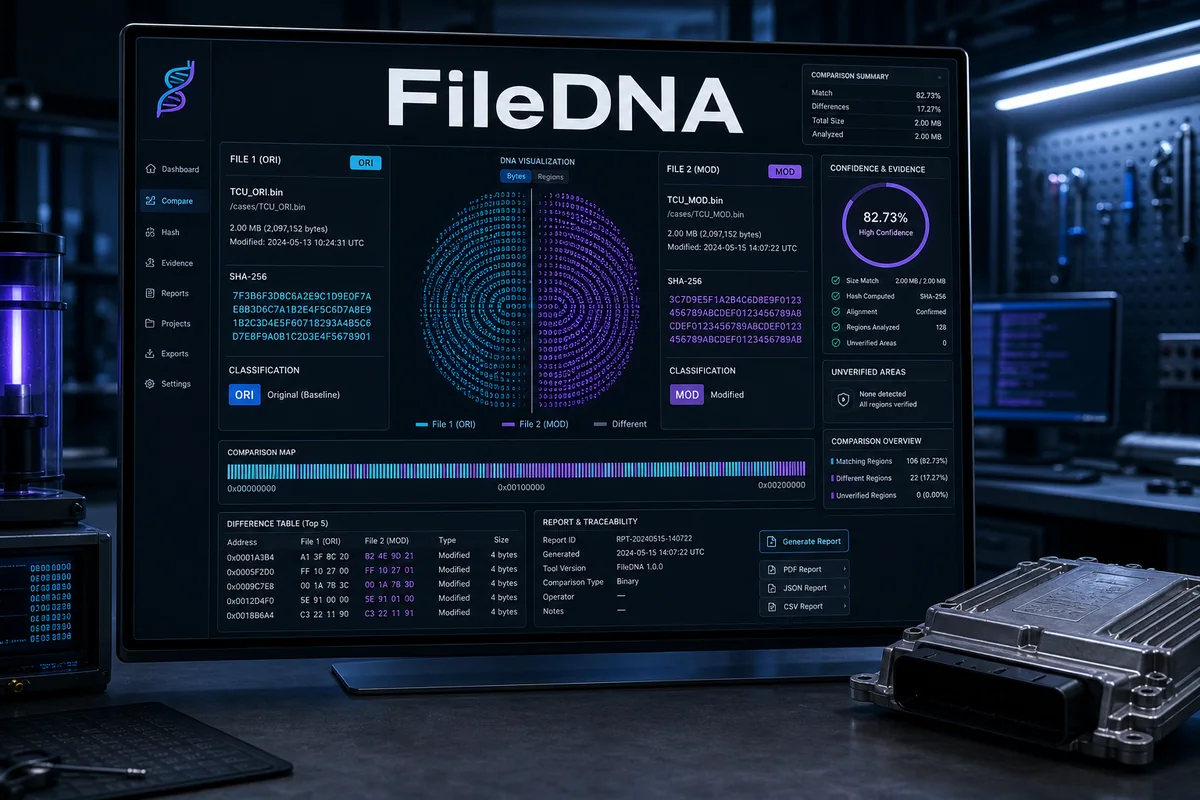
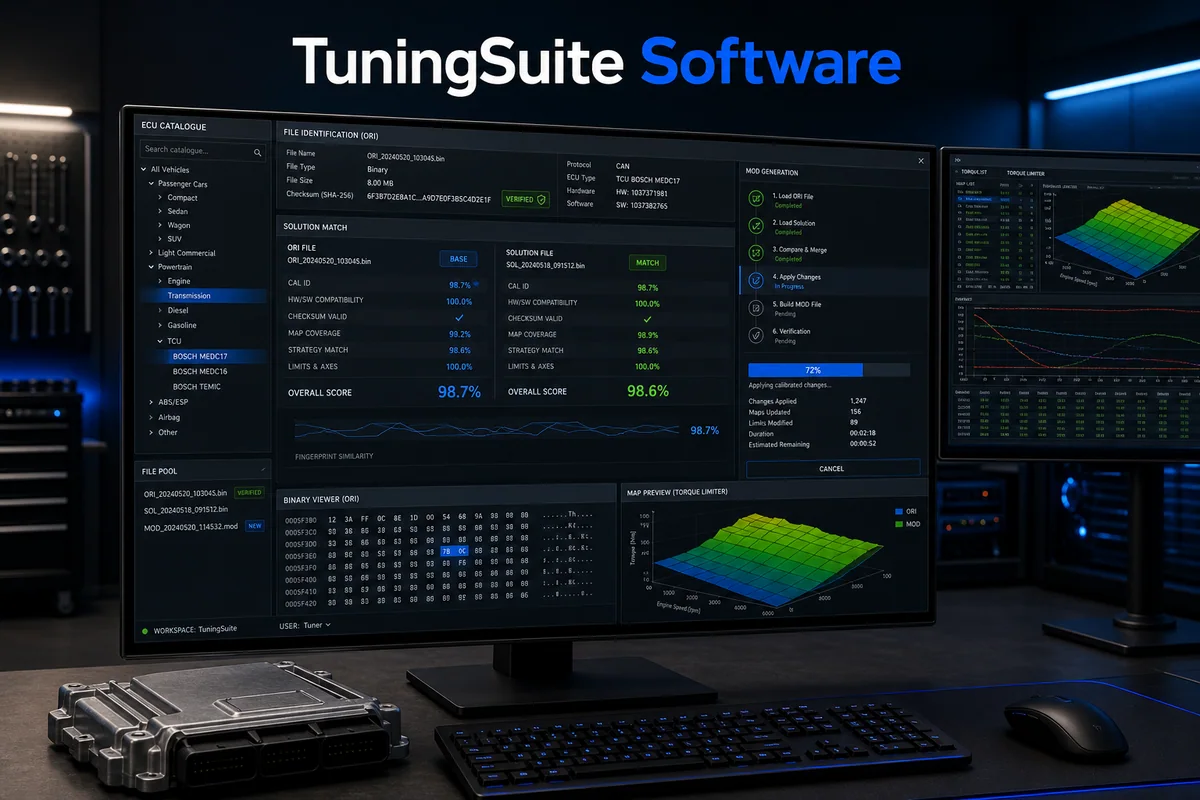
Professional Windows ECU workstation with vehicle/ECU catalogue, licensed ORI Solution Engine, controlled MOD generation and full history.
How it works — step by step
- 1
Activate the Cars or Full licence on the approved Windows workstation.
- 2
Load the ORI and verify ECU, SW/HW, file size and vehicle context.
- 3
Run the licensed ORI Solution Engine and inspect match method and quality.
- 4
Select only a verified solution, generate the MOD and validate output integrity.
- 5
Save ORI, MOD, services and the report in project history before workshop validation.
Key capabilities
- Cars or Full licence
- Deep file identification
- Verified solution matching
- HWID licence and safe cancellation
Result, scope and responsible validation
Every stage remains tied to the relevant account, licence, file or tenant. Source material and history are retained, uncertain cases never receive an invented result, and the output must pass the validation required for the specific program, integration or workshop process.